How to Identify Scam Accounts on Instagram
Learn how to spot fake and scam accounts on Instagram. This guide covers the red flags, common tactics, and tools you can use to verify suspicious profiles before they steal your money or data.
· By Truvizy Research Team · 8 min read
TL;DR
Instagram scam accounts use stolen photos, fake followers, and sophisticated social engineering to defraud millions of users annually. Learning to identify the telltale signs, from too-perfect profiles to aggressive DM outreach, is your best defense against losing money or personal information on the platform.
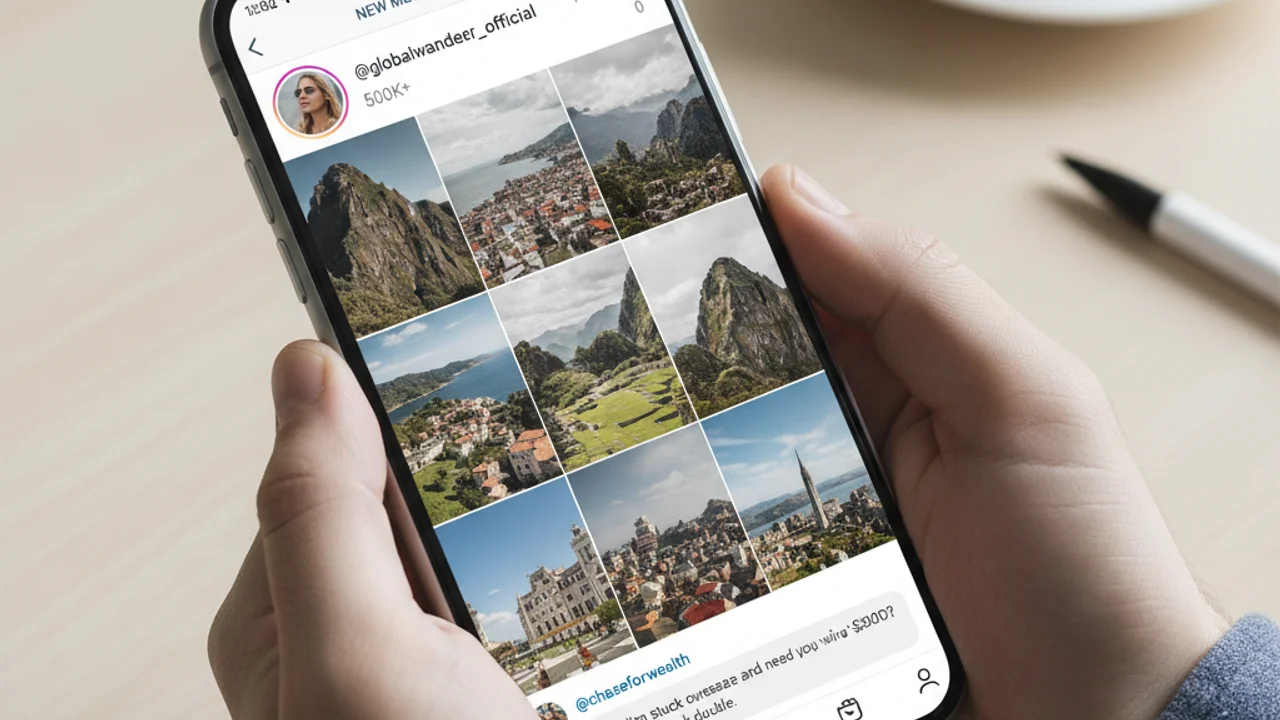
Instagram has more than 2 billion monthly active users, making it one of the largest social media platforms in the world. That scale has also made it one of the most targeted platforms for scam operations. In 2025, Instagram-related fraud complaints to the FTC exceeded 120,000, with combined losses topping $1.3 billion. From fake shopping accounts to romance scams to elaborate impersonation schemes, the variety and sophistication of Instagram scams continues to grow.
The visual nature of Instagram makes it uniquely vulnerable to certain types of fraud. Scammers can create convincing fake identities using stolen photos, build apparent credibility through purchased followers and engagement, and reach millions of potential victims through the platform's discovery features. Understanding how to identify these fraudulent accounts is no longer optional, it is essential digital literacy.
The Instagram Scam Epidemic
The numbers paint a troubling picture. Meta's own transparency reports indicate that the company removes over 700 million fake accounts per quarter across its platforms, with Instagram accounting for a significant share. Despite these efforts, scam accounts proliferate faster than they can be removed. Automated creation tools allow scammers to generate dozens of accounts in minutes, each complete with stolen photos, fabricated bios, and enough purchased engagement to appear legitimate at first glance.
What makes Instagram particularly attractive to scammers is the trust environment the platform creates. Users share personal moments, follow aspirational accounts, and engage with brands and influencers they admire. This trust transfers to new accounts that mimic familiar patterns, making users more receptive to scam approaches than they might be on email or less personal platforms.
Anatomy of a Fake Instagram Account
Understanding the common structure of scam accounts is your first line of defense. Most fake accounts share several characteristics that become apparent once you know what to look for. The profile photo is typically an attractive person, often stolen from a model's portfolio, a lesser-known influencer, or a stock photo site. Reverse image searching the profile picture will frequently reveal its true source.
The bio section is another telling area. Scam accounts often include promotional language, links to external websites, or claims of wealth and success. Phrases like "DM me for opportunities," "CEO/Entrepreneur/Investor," or "Helping people earn $10K/month" are common across fraudulent profiles. The follower-to-following ratio can also be revealing: accounts that follow thousands but have relatively few followers, or accounts with thousands of followers but minimal genuine engagement on posts, are suspicious.
Common Instagram Scam Types
Instagram scams come in many forms, but several categories dominate. Investment scams are the most financially damaging, using testimonials, screenshots of trading profits, and lifestyle imagery to lure victims into fake investment schemes. Romance scams exploit emotional vulnerability, building relationships over weeks before requesting money. Shopping scams use fake storefronts to collect payment for goods that never arrive. Phishing scams attempt to steal login credentials through fake login pages or "verify your account" messages. And giveaway scams, covered in depth in our piece on fake giveaway scams on social media , use the promise of free products to harvest personal information.
Received a suspicious DM or profile link? Scan it with Truvizy to check for fraud indicators instantly.
Profile Red Flags to Look For
Several specific indicators can help you identify scam accounts quickly. Check the account creation date, Instagram does not display this directly, but you can look at the date of the earliest post. Accounts that are only weeks or months old but claim to be established businesses or influencers are suspicious. Examine the comments section on posts. Scam accounts often have comments that are generic praise ("Great post!", "Love this!") from accounts that are themselves clearly fake.

Look at the content itself. Scam accounts tend to post either very few images or a burst of posts within a short time period. The content may feel impersonal or overly polished, lacking the candid, personal moments that characterize real accounts. Photos may have inconsistent backgrounds, lighting, or image quality, suggesting they were collected from multiple sources rather than taken by one person.
DM Tactics Scammers Use
Direct messages are where most Instagram scams transition from passive to active. Scammers initiate contact through several common approaches: complimenting your content and asking to connect, responding to your Instagram Stories with personal messages, claiming to be a brand that wants to collaborate, offering investment or business opportunities, or pretending to be a customer service representative from Instagram itself.
The messages are designed to move the conversation off-platform quickly. Scammers will request your phone number, email address, or suggest moving to WhatsApp or Telegram where their activities are harder for Instagram to monitor. This transition is a major red flag. Legitimate businesses and individuals have no reason to immediately abandon the platform where you originally connected.
Stolen Identity Accounts
One of the most harmful variants of Instagram scams involves accounts that impersonate real people. Scammers download photos from a real person's public profile, create a new account with a similar username, and use that stolen identity to approach the person's friends and followers. Because the photos are genuinely of someone the victims know, these impersonation scams have a high success rate. Our detailed guide on social media impersonation covers what to do when someone creates a fake account using your identity.
Fake Business and Shopping Accounts
Instagram's shopping features have created a new avenue for fraud. Fake business accounts advertise products at attractive prices, often using photos stolen from legitimate retailers. When users make a purchase through these accounts, they either receive nothing, receive a cheap knockoff, or have their payment information stolen. These accounts often appear during holiday shopping seasons and around major sales events when users are more likely to impulse buy.
To verify a business account, check for the blue verification badge, look for a physical address and customer service information in the bio, search for the business name outside of Instagram, and read reviews on independent platforms. If a deal seems too good to be true, designer goods at 80 percent off, for example, it almost certainly is.
How to Verify Suspicious Accounts
When you encounter a suspicious account, several verification steps can help you determine its legitimacy. Start with a reverse image search on the profile photo using Google Images or TinEye. If the photo appears on multiple different profiles or stock photo sites, the account is likely fake. Check the username for subtle variations of legitimate accounts, such as extra underscores, numbers replacing letters, or slight misspellings.
Use Truvizy's content scanning tool to analyze profile content and videos for signs of manipulation. AI-powered analysis can detect patterns of fraud that are invisible to manual inspection, including image manipulation, coordinated posting patterns, and content recycling across multiple scam accounts. Cross-reference claims made in the bio or posts with independent sources. If someone claims to be a licensed financial advisor, verify their credentials through official databases.
Which of the following is the strongest indicator that an Instagram account is a scam?
- The account has a blue verification badge
- The account has thousands of followers but generic or bot-like comments
- The account posts high-quality photos
- The account follows fewer people than it has followers
Answer: A high follower count paired with generic or bot-like comments (e.g., 'Great post!', 'Love this!') is a strong indicator of purchased engagement, a hallmark of scam accounts. Quality photos and follower ratios alone are not reliable indicators.
Protecting Your Own Account
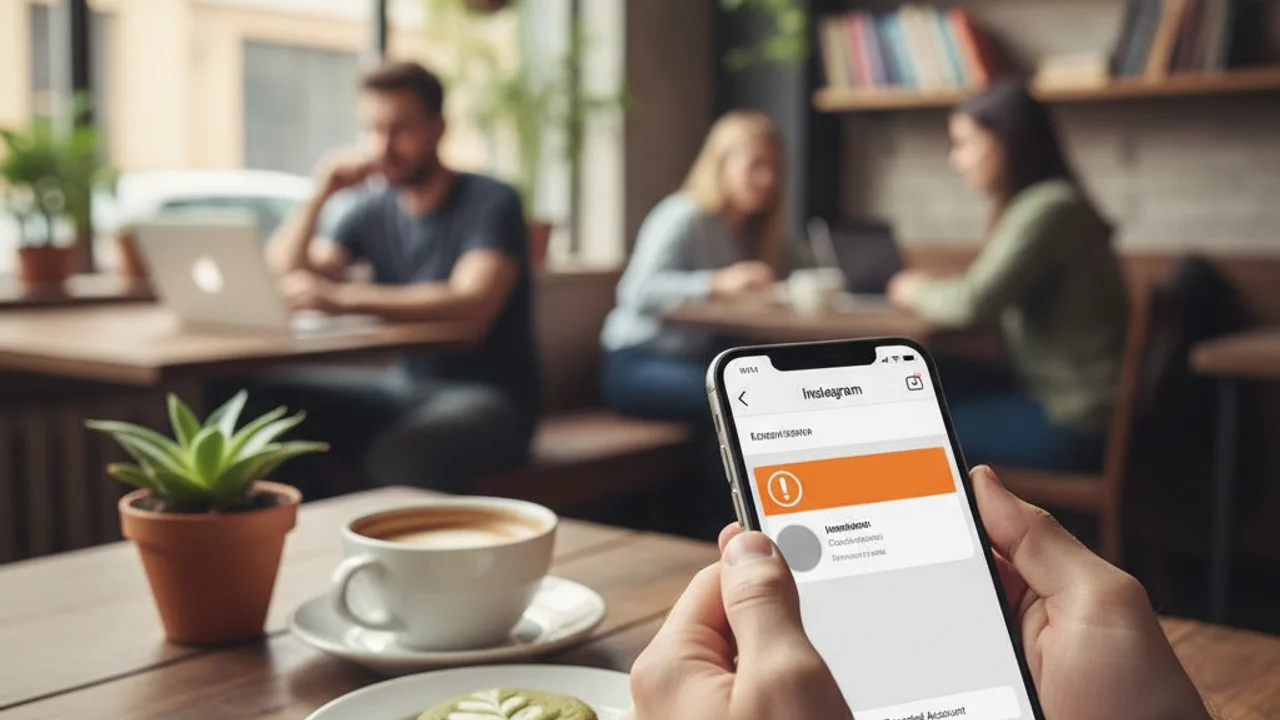
Beyond identifying scam accounts, protecting your own account prevents scammers from using your identity for their operations. Enable two-factor authentication in your Instagram security settings, this is the single most important step you can take. Set your account to private if you do not need a public presence, which limits who can see your photos and personal information.
Be cautious about the information you share publicly. Details like your full name, birthday, workplace, and location make it easier for scammers to create convincing impersonation accounts or target you with personalized phishing attempts. Regularly review your followers list and remove accounts that appear suspicious. Consider investing in comprehensive digital protection tools that provide ongoing monitoring and alerts for potential threats targeting your online presence.
Protect your digital identity with AI-powered monitoring that alerts you to impersonation and scam threats.
Reporting Scams and Recovery Steps
If you have interacted with a scam account on Instagram, take immediate action. Report the account through Instagram's reporting feature. If you shared login credentials, change your Instagram password immediately and enable two-factor authentication. If you shared financial information, contact your bank and credit card companies to flag potential fraud. If you sent money, report the transaction to your bank and file complaints with the FTC and your local law enforcement.
For ongoing protection, enable login notifications so you are alerted whenever someone accesses your account from a new device. Regularly review the apps and websites connected to your Instagram account and revoke access for any you do not recognize. Stay informed about evolving scam tactics by following official Instagram security updates and trusted cybersecurity resources. The scammers are constantly adapting, and your defenses need to adapt with them. Understanding the broader landscape of social media fraud, including threats on platforms like TikTok , will help you recognize patterns that cross platform boundaries.
Key Takeaways
- Scam accounts often have stolen profile photos, purchased followers, and generic bot comments, always check engagement quality, not just quantity.
- Never move conversations off-platform to WhatsApp or Telegram at a stranger\
- ,
- ,
- s built-in tools, and file FTC complaints if you suffered financial loss.
Related reading: Social Media Impersonation: What to do when someone creates a fake account using your photos and identity.
Related reading: Fake Giveaway Scams: How scammers use fake prizes and contests to steal your personal information.
Related reading: TikTok Scams in 2026: The latest scam tactics spreading across TikTok and how to protect yourself.
Frequently Asked Questions
How can I tell if an Instagram account is fake?
Key indicators of a fake Instagram account include: very few posts relative to follower count, generic or stolen profile photos, a bio full of links or promotional language, recently created account posting aggressively, followers that are mostly bots or foreign accounts, and no engagement from real people in comments.
What should I do if a scam account contacts me on Instagram?
Do not respond or click any links. Block and report the account using Instagram's built-in reporting feature. If you already shared personal information, change your passwords immediately, enable two-factor authentication, and monitor your financial accounts for unauthorized activity.
Can scam accounts steal my information just by following me?
Simply being followed by a scam account does not expose your information. However, if your account is public, scammers can view your posts, stories, and bio information. They cannot access your email, phone number, or private messages just by following you. The risk increases if you engage with them through DMs or click links they send.
How do I report a scam account on Instagram?
Go to the suspicious account's profile, tap the three-dot menu in the top right, select "Report," then choose "Report Account" and follow the prompts. Select the reason that best describes the issue, such as "It's pretending to be someone else" or "It's a scam or fraud." Instagram reviews reports and may remove the account.
Are verified Instagram accounts always safe?
While Instagram's blue verification badge indicates an account is authentic, verified accounts can still be compromised through hacking. Additionally, scammers sometimes use fake badges in profile pictures to appear verified. Always check that the badge appears next to the account name in the app, not just in the profile photo.