Subscription Renewal Phishing Scam 2026: The Fake "Payment Failed" Message
"Your payment failed, update billing to avoid suspension." Learn how the 2026 subscription renewal phishing scam steals your card and how to spot the fake page.
TL;DR
A subscription renewal phishing scam is a fake "your payment failed, update your billing to avoid suspension" email or text that impersonates Netflix, Amazon, Apple, PayPal, or Microsoft. The link opens a lookalike billing page built to harvest your card number, address, and account password. Real providers never resolve billing through a link in an unexpected message, and every one of them lets you check your payment status inside the official app or website. Never tap the link, open the service yourself, and scan the message with Truvizy first if anything about it feels off.
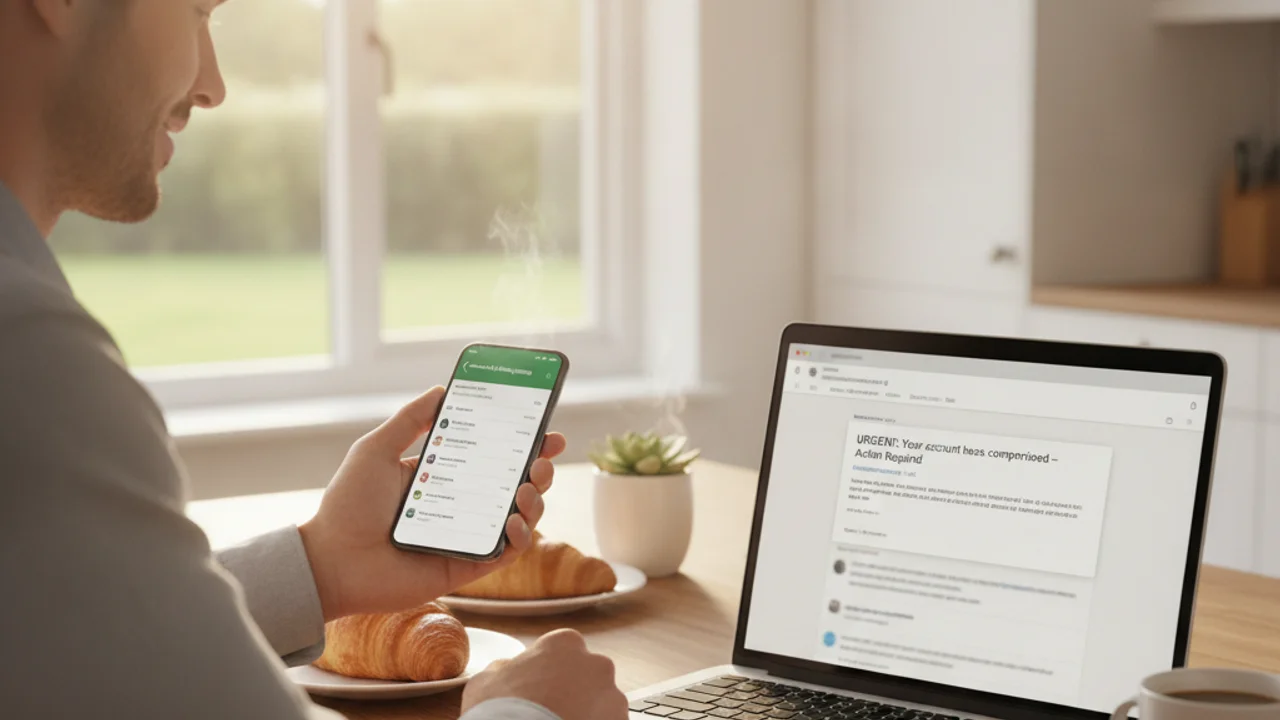
The email lands on a Sunday evening: "We could not process your payment. Your Netflix membership will be suspended in 24 hours. Update your billing details to keep watching." The logo is right, the footer is right, even the unsubscribe link looks right. You tap the button, land on a billing form you have filled in a dozen times before, and type your card number to fix a problem that never existed. That is the entire subscription renewal phishing scam, and in 2026 it is running against every service you pay for monthly.
The reason this works has nothing to do with technical skill. According to the FBI Internet Crime Complaint Center, phishing and spoofing produced more complaints in 2024 than any other reported cybercrime, and according to the FTC, impersonating a well known business is one of the most profitable fraud shapes in the Consumer Sentinel data. A subscription renewal phishing scam simply borrows a message you were already expecting. Most people hold six or more recurring subscriptions, so a billing failure notice is never surprising enough to trigger suspicion on its own.
Quick Answer
What Is a Subscription Renewal Phishing Scam?
A subscription renewal phishing scam is a phishing attack disguised as a routine billing notice from a service you already pay for. The message claims a payment was declined, a card has expired, or a renewal could not complete, and it offers a single fix: click here and update your billing details before the account is suspended.
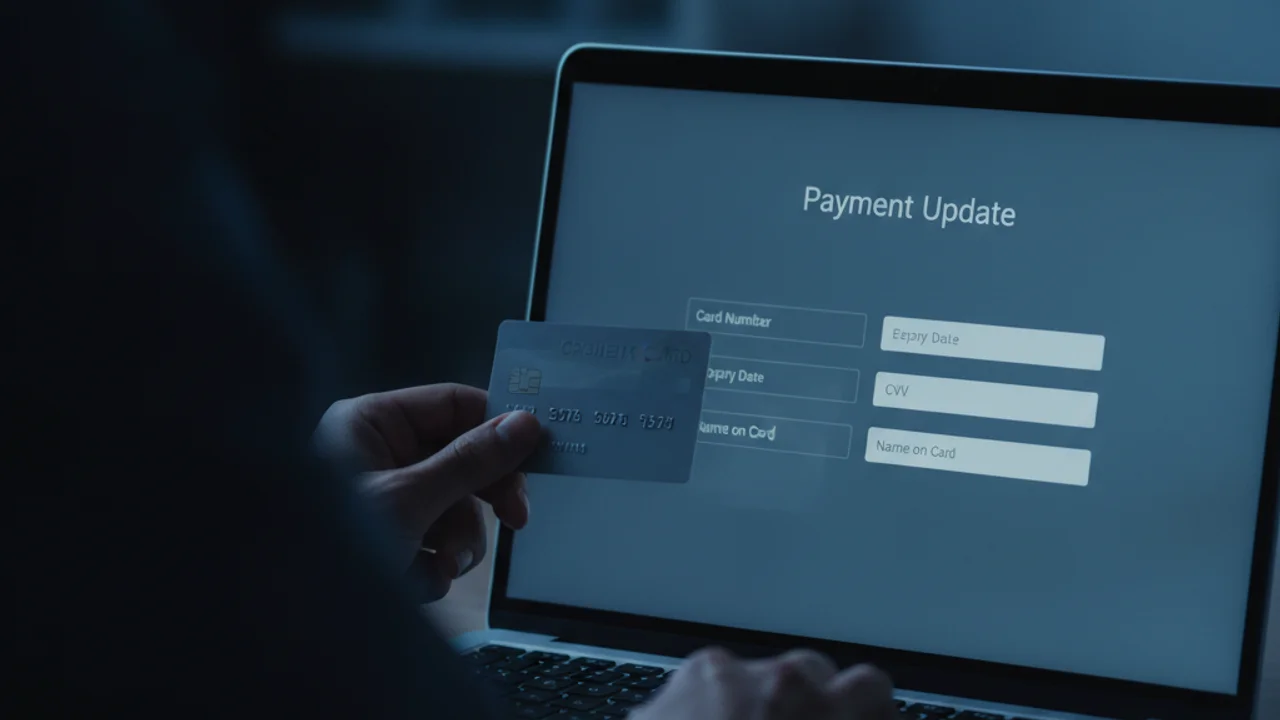
The link never goes to the real provider. It opens a copy of the billing page, often pixel accurate, hosted on a lookalike domain such as netflix-billing-update.com or apple-id-renewal.net. The form asks for more than a card number. It typically collects the full card details, the billing address, the security code, and in many versions the account password too, which lets the criminals take over the real account and sell it separately from the card data.
What separates this from generic phishing emails is that no persuasion is needed. The scam does not have to invent a reason for you to hand over payment information. Updating a card on a subscription is something you have genuinely done before, so the request itself raises no alarm.
Why "Your Payment Failed" Is the Perfect Bait
"Your payment failed" is the rare phishing hook that is boring, plausible, and urgent at the same time. Here is the sequence criminals rely on:
- <strong>Recognition.</strong> The message names a brand you actually subscribe to. With five or six services on autopay, a hit is close to guaranteed.
- <strong>Plausibility.</strong> Cards really do expire, get reissued after a breach, or decline on a travel block. A failed renewal is an ordinary event, not an extraordinary claim.
- <strong>Low stakes framing.</strong> Nobody feels robbed by a billing update. The request looks administrative, so your fraud instincts never switch on.
- <strong>A deadline.</strong> "Suspended in 24 hours" compresses the window in which you might think, ask someone, or check the app instead.
- <strong>The harvest.</strong> The lookalike form captures the card and password, then usually redirects you to the real website so the whole thing feels resolved.
The Brands Scammers Impersonate Most
Impersonation follows subscriber counts, because the scam is a numbers game sent to millions of addresses at once. Five names dominate the billing lure, and each one is chosen for a specific reason.
- <strong>Netflix.</strong> The most imitated streaming brand, with a card on file for nearly every household and a suspension threat that feels immediate.
- <strong>Amazon.</strong> Prime renewal notices work year round, and an Amazon account holds saved cards, addresses, and order history worth stealing on its own.
- <strong>Apple.</strong> iCloud storage and Apple One are billed silently in the background, so a "storage payment failed" notice is hard to disprove from memory.
- <strong>PayPal.</strong> A payment platform impersonation converts directly into money movement, and PayPal notices are already transactional in tone.
- <strong>Microsoft.</strong> Microsoft 365 renewal lures target both home users and employees, where a suspended work account creates real professional pressure.
The same template gets swapped between brands in minutes. If you have seen one fake renewal notice, you have effectively seen all of them, which is exactly why learning the shape matters more than memorizing any single brand's real email design.
Got a billing or renewal notice that feels off? Scan the message or link on Truvizy before you enter a single digit of your card.
6 Warning Signs a Renewal Notice Is Fake
Any one of these should stop you. Two together and you are looking at a subscription renewal phishing scam.
- <strong>A lookalike sender domain.</strong> Real notices come from the brand's own domain, not netflix-billing.com, apple-support-id.net, or a public mail address.
- <strong>A generic greeting.</strong> "Dear Customer" or "Dear User" from a service that has known your name for years is a tell.
- <strong>A suspension countdown.</strong> Genuine providers retry a failed card quietly for days and never threaten you within hours.
- <strong>A full card form on the landing page.</strong> Real billing updates happen after you log in, never on a page reached straight from a link.
- <strong>A password request alongside payment details.</strong> No legitimate billing page asks for your account password and your card on the same form.
- <strong>A subscription you do not have.</strong> A renewal failure for a service you never signed up for is not a mistake, it is bait.
How to Check a Billing Message Without Clicking the Link
The safest habit is one sentence long: never resolve a billing problem through the message that reported it. Every check below takes less than a minute.
Open the service yourself. Use the official app, or type the address into your browser. Go to the billing or payment settings and look at the status there. A real failed payment is always visible in the account. A phantom one from an email will not exist.
Check your card statement. A genuine renewal failure leaves a declined attempt on your bank or card activity. No declined attempt means no failed renewal.
Read the sender address in full. On a phone, mail apps show a display name and hide the real domain. Expand it and compare every character to the brand's actual domain.
Inspect the link before you trust it. A lookalike billing page can be indistinguishable from the real one, especially on a small screen. Pasting the suspicious message or link into truvizy.app tells you whether it points at an impersonation page before any of your details leave the device.
How Truvizy Detects Subscription Renewal Phishing Scams
The moment that decides this scam is short: the few seconds between reading "payment failed" and tapping the button. Truvizy is built for that gap. Paste the email text, the message, or the link into Truvizy's AI-powered detection and its multi-layer analysis weighs the wording, the urgency framing, the brand claims, and the destination against known billing impersonation patterns, then returns a plain verdict in seconds.
That check matters most on mobile, where the tells that would expose a fake on a desktop are hidden behind a truncated address bar and a shortened display name. Running a renewal notice through Truvizy at truvizy.app takes less time than logging into the real service, and it answers the only question that counts before you type a card number: is this page actually who it claims to be. In a year when phishing leads every complaint category, verifying first is the cheapest security habit available to you.
What to Do If You Entered Your Card Details
If you only received the message and deleted it, you are fine. If you filled in the form, act now and skip the self blame. These pages are engineered to beat careful people.
Call your bank on the number from your card. Report the fraud, request a freeze and a reissued card, and ask them to flag any pending charges. The first few hours matter most.
Secure the impersonated account. Change the password from the official app or website, turn on two-factor authentication, sign out all devices, and change that password anywhere else you reused it.
Report it. File with the FTC at reportfraud.ftc.gov and the FBI Internet Crime Complaint Center at ic3.gov, forward scam texts to 7726 (SPAM), and report the email through your provider's phishing report option. Expect a follow up "refund department" contact later, which is the same crew running the second act.
Key Takeaways
- A subscription renewal phishing scam fakes a "payment failed, update billing to avoid suspension" notice to push you onto a lookalike billing page.
- The form harvests your full card details and often your account password, then redirects you to the real site so nothing feels wrong.
- Netflix, Amazon, Apple, PayPal, and Microsoft are the most impersonated brands, but the template is identical across all of them.
- Never fix billing through the message. Open the app yourself, check your card statement, and scan the link with Truvizy before entering anything.
Expert analysis note: Subscription billing phishing has become one of the highest volume consumer attacks of 2026 precisely because it is unremarkable. It does not need a fabricated emergency or a convincing new story, only a routine request you have fulfilled before, delivered at scale to addresses where at least one named brand will land. The economics favor the attacker: a single template serves five brands, and the stolen card plus account credentials are monetized on separate markets. Truvizy's role here is preventive, verifying the destination in the seconds before the card details are typed, because a card entered voluntarily on a lookalike page is far harder to unwind than a disputed charge.
You get a text saying your Amazon Prime renewal failed and your account will be suspended tonight unless you update your payment method through the link. What is the safest move?
- Tap the link and update the card quickly before the deadline
- Reply to the text asking which card failed
- Ignore the link, open the Amazon app yourself, and check your billing settings there
- Forward it to a friend to ask if it looks real
Answer: A real failed payment is always visible inside your account. Opening the official app costs nothing and proves the claim instantly, while the link exists only to deliver you to a lookalike billing form. If you want a verdict on the message itself, scan it with Truvizy first.
Frequently Asked Questions
Is the "your subscription payment failed" email real or a scam?
Treat it as a scam until you prove otherwise. Real providers do send billing notices, but a genuine one never depends on a link in the message. The scam version adds a deadline, a suspension threat, and a button that opens a lookalike billing page. Close the message, open the service in its official app or by typing the address yourself, and check the payment status there. If the account is fine, the message was phishing.
How do I know if a Netflix or Amazon billing email is phishing?
Check the sender domain character by character, since scammers use lookalikes such as netflix-billing.com or amazon-secure.net. Watch for a generic greeting instead of your name, a countdown to suspension, and a request for full card details plus your password on the same page. Real billing pages appear only after you log in normally. According to the FTC, urgency plus a link is the core signature of phishing.
Why do scammers say my account will be suspended?
Suspension is the cheapest way to buy your attention. Losing a streaming account, a cloud drive, or a payment method you use daily feels like an immediate problem, so you act before you verify. The FBI Internet Crime Complaint Center logged 193,407 phishing and spoofing complaints in its 2024 report, the largest single category, and manufactured deadlines appear in most of them. The deadline is fiction, but the card theft is real.
How do I safely check if my subscription payment actually failed?
Never use the message. Open the service the way you always do, through its official app or by typing the address into your browser, then look at your billing or payment settings. Every major provider shows failed payments there. You can also check your bank or card statement for a declined charge. If the account shows no problem, the notice you received was a subscription renewal phishing scam.
What should I do if I entered my card on a fake billing page?
Move quickly. Call your bank using the number on the back of the card, report the fraud, and ask for the card to be frozen and reissued. Change the password for the impersonated service and turn on two-factor authentication, and change it anywhere you reused it. Then report the message to the FTC at reportfraud.ftc.gov and the FBI at ic3.gov, and watch for follow-up "refund" calls from the same crew.
Related reading: How to Detect Phishing Emails: The Complete Guide — The full field guide to spotting a fraudulent email before you click anything
Related reading: Is This Email a Scam? How to Tell in 5 Seconds — A fast triage checklist for any suspicious message in your inbox
Related reading: Bank Impersonation Text Scam 2026: The Fake Fraud Alert That Empties Your Account — The banking cousin of billing phishing and why the lookalike login page is the shared tell
Frequently Asked Questions
Is the "your subscription payment failed" email real or a scam?
Treat it as a scam until you prove otherwise. Real providers do send billing notices, but a genuine one never depends on a link in the message. The scam version adds a deadline, a suspension threat, and a button that opens a lookalike billing page. Close the message, open the service in its official app or by typing the address yourself, and check the payment status there. If the account is fine, the message was phishing.
How do I know if a Netflix or Amazon billing email is phishing?
Check the sender domain character by character, since scammers use lookalikes such as netflix-billing.com or amazon-secure.net. Watch for a generic greeting instead of your name, a countdown to suspension, and a request for full card details plus your password on the same page. Real billing pages appear only after you log in normally. According to the FTC, urgency plus a link is the core signature of phishing.
Why do scammers say my account will be suspended?
Suspension is the cheapest way to buy your attention. Losing a streaming account, a cloud drive, or a payment method you use daily feels like an immediate problem, so you act before you verify. The FBI Internet Crime Complaint Center logged 193,407 phishing and spoofing complaints in its 2024 report, the largest single category, and manufactured deadlines appear in most of them. The deadline is fiction, but the card theft is real.
How do I safely check if my subscription payment actually failed?
Never use the message. Open the service the way you always do, through its official app or by typing the address into your browser, then look at your billing or payment settings. Every major provider shows failed payments there. You can also check your bank or card statement for a declined charge. If the account shows no problem, the notice you received was a subscription renewal phishing scam.
What should I do if I entered my card on a fake billing page?
Move quickly. Call your bank using the number on the back of the card, report the fraud, and ask for the card to be frozen and reissued. Change the password for the impersonated service and turn on two-factor authentication, and change it anywhere you reused it. Then report the message to the FTC at reportfraud.ftc.gov and the FBI at ic3.gov, and watch for follow-up "refund" calls from the same crew.