Two-Factor Authentication: Account Takeover से सबसे मजबूत बचाव
Two-factor authentication (2FA) के बारे में पूरी जानकारी: यह कैसे काम करता है, कौन सा method सबसे secure है, कैसे setup करें, और यह account takeover के खिलाफ सबसे effective protection क्यों है।
· Truvizy Research Team · 8 min read
TL;DR
Two-factor authentication (2FA) password के अलावा एक दूसरा verification step जोड़कर 99% automated account takeover attacks को block करता है। Authenticator apps और hardware keys सबसे strong options हैं, लेकिन SMS-based 2FA भी बिना 2FA से बहुत बेहतर है। हर account पर enable करें, email और banking से शुरू करें।
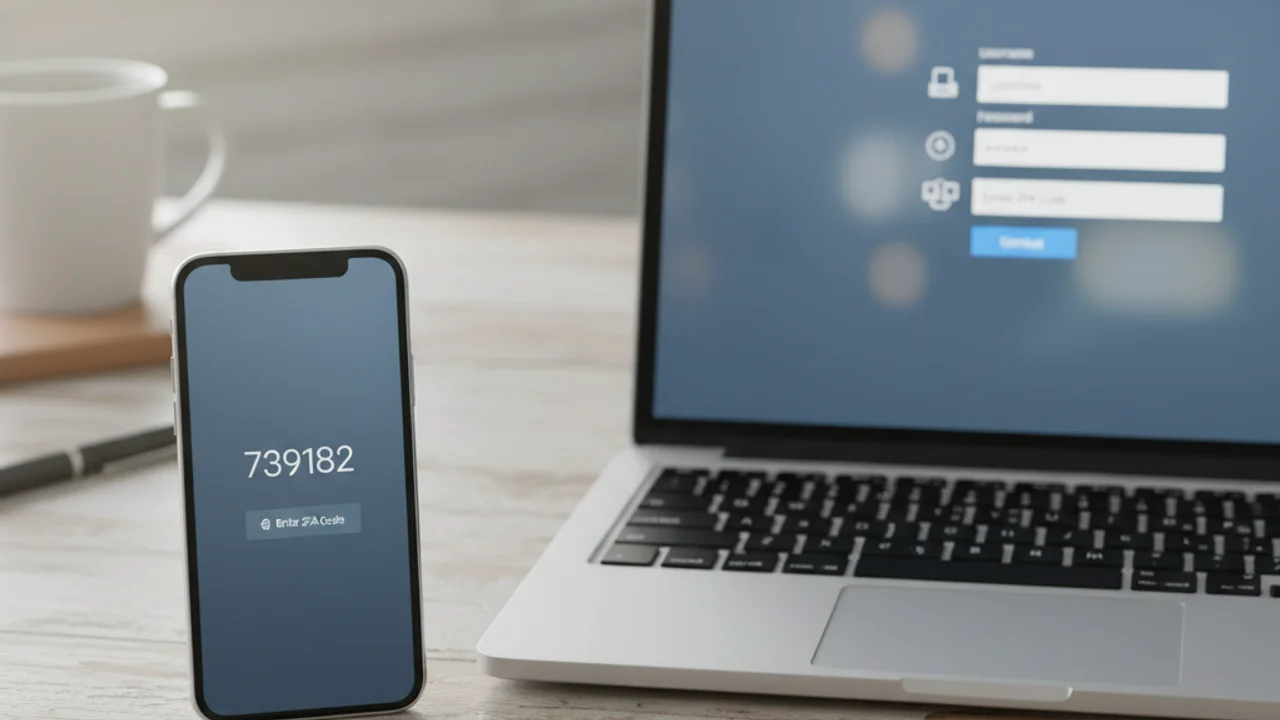
2025 में, Google ने report किया कि two-factor authentication enable करने वाले accounts को बिना 2FA के accounts की तुलना में 99.9% कम compromise किया जाता है। Microsoft ने भी similar findings publish किए। फिर भी adoption rates surprisingly कम हैं, industry surveys suggest करते हैं कि 30% से कम consumers ने अपने most important accounts पर 2FA enable किया है।
इस gap के कारण समझ में आते हैं। Two-factor authentication technical लगता है, setup process हर platform पर अलग है, और यह confusion है कि कौन सा method best है। यह guide 2FA को completely demystify करता है।
Two-Factor Authentication क्या है और यह क्यों मायने रखता है
Authentication factors तीन categories में आते हैं: something you know (password या PIN), something you have (आपका phone, hardware key), और something you are (fingerprint या face scan)। Traditional login केवल first factor use करता है। Two-factor authentication दो अलग factors माँगता है, सबसे commonly password plus phone से generated code।
2FA की value defense in depth में है। भले ही attacker आपका password चुरा ले या guess करे, data breach, phishing attack, या social engineering manipulation से, वे second factor के बिना आपका account access नहीं कर सकते। यह single additional step overwhelming majority of account takeover attacks block करती है।
Two-Factor Authentication कैसे काम करता है
Basic flow simple है। आप username और password enter करते हैं। Service फिर second verification माँगती है, authenticator app का six-digit code, text message का one-time code, hardware security key पर tap, या phone पर biometric confirmation। दोनों factors provide करने के बाद आप logged in हो जाते हैं।
Security principle same है: second factor prove करता है कि password enter करने वाले के पास physically एक specific device है। यह remote attacks को dramatically harder बनाता है क्योंकि attacker को credentials के साथ आपके authentication device का physical access भी चाहिए।
2FA के Types: SMS से Hardware Keys तक
SMS codes सबसे widely available 2FA form हैं। Password enter करने के बाद, service आपके registered phone number पर one-time code text करती है। Advantage: simplicity और universal compatibility। Disadvantage: SIM swapping vulnerability, जहाँ attacker carrier को आपका number अपने device पर transfer करवाता है।
Google Authenticator, Authy, और Microsoft Authenticator जैसे authenticator apps आपके device पर locally time-based one-time passwords (TOTP) generate करते हैं। ये codes cellular network पर transmit नहीं होते, SIM swapping के immune। Authy cloud backup और multi-device sync add करता है।
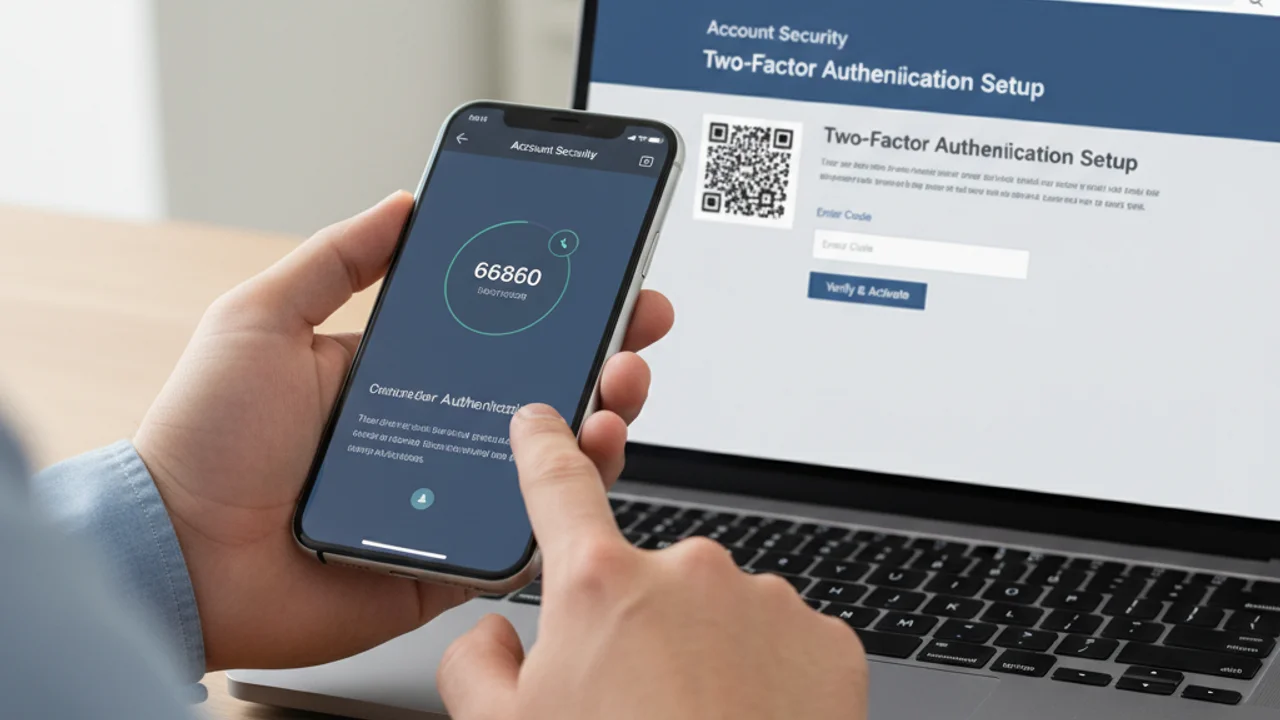
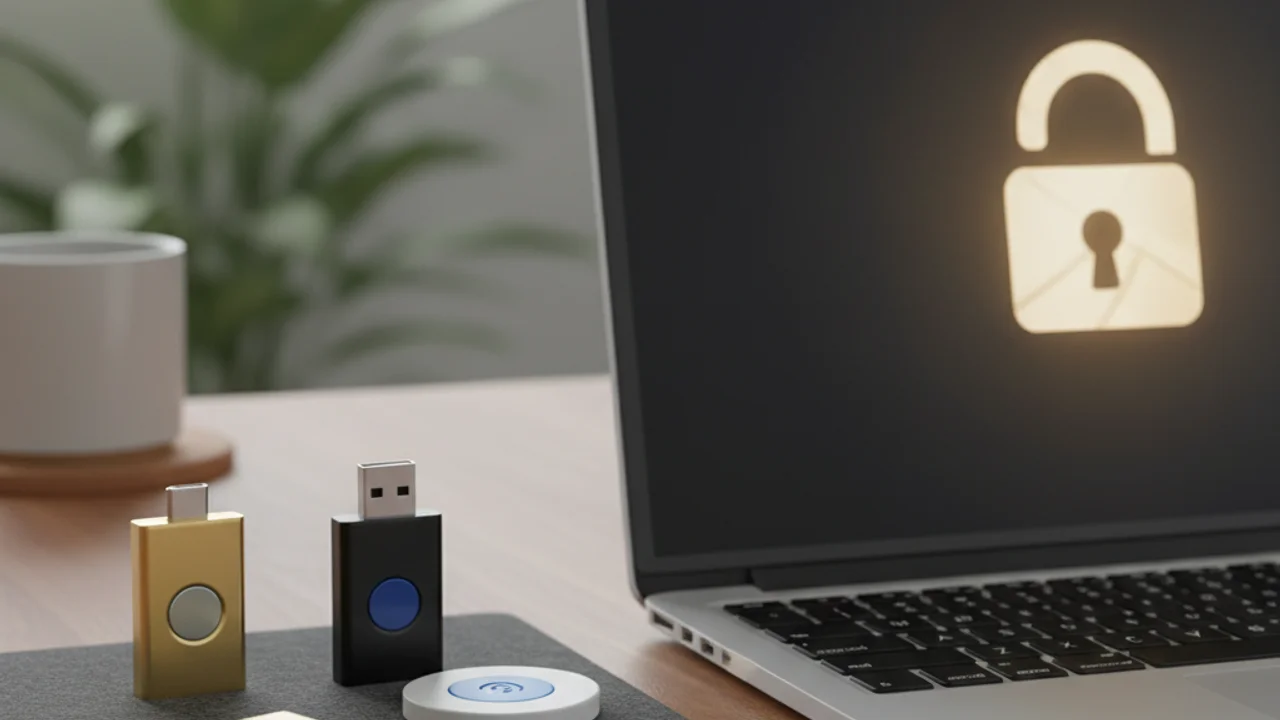
YubiKey और Google Titan जैसे hardware security keys physical devices हैं जो USB port में plug होते हैं या NFC से tap करते हैं। ये cryptographic challenge-response protocols use करते हैं जो phishing, SIM swapping, और real-time interception के immune हैं। Hardware key सबसे strong consumer authentication method है, लेकिन cost (~$25-50) और physical device carry करने की need adoption limit करती है।
Passkeys, hardware keys जैसे FIDO2 standard पर built, security और convenience का best balance हैं। Phone या computer पर stored और biometrics से unlocked, passkeys hardware-key-level security offer करते हैं बिना separate device के। Passwords के साथ passkeys के relationship की deeper dive के लिए, password security in 2026 पर हमारी guide देखें।
अपने Most Important Accounts पर 2FA Setup करें
Email account से शुरू करें। Gmail में: Google Account settings → Security → 2-Step Verification → setup wizard follow करें। Outlook के लिए: account.microsoft.com → Security → Advanced security options।
इसके बाद banking और financial accounts secure करें। Most banks अब mobile app से push notifications या authenticator codes के through 2FA offer करते हैं। Social media के लिए: X पर Settings and Privacy, Facebook पर Security and Login, Instagram पर Security, TikTok पर Privacy and Security। Settings में 'two-factor' या '2FA' search करने से usually सीधे right page पर पहुँचते हैं।
Unexpected 2FA prompts मिल रहे हैं जो आपने request नहीं किए? किसी के पास आपका password हो सकता है, related messages Truvizy से scan करें।
Backup और Recovery: Worst Case की तैयारी
2FA enable करने से रोकने वाली सबसे बड़ी concern है phone खोने पर lockout का डर। यह legitimate concern है, लेकिन इसके straightforward solutions हैं। जब आप किसी account पर 2FA enable करते हैं, service recovery codes offer करती है, typically 8-10 single-use codes जो phone के बिना भी work करती हैं। इन्हें password manager में save करें या print करके secure location पर रखें।
Authenticator app के लिए, वह choose करें जो backup और sync support करे। Authy multiple devices में tokens encrypt और sync करता है, एक phone खोने से lockout नहीं होता। Hardware keys के लिए, दो खरीदें और दोनों को अपने accounts के साथ register करें। Second key को backup के रूप में safe location पर रखें।
Attackers 2FA को Bypass करने की कैसे कोशिश करते हैं
SIM swapping attacks SMS-based 2FA को target करते हैं। Real-time phishing proxies एक fake login page present करते हैं जो simultaneously password और 2FA code capture करता है। Push notification fatigue attacks आपके authenticator app को login approval requests से bombard करते हैं जब तक आप accidentally एक approve न कर दें।
Hardware keys और passkeys इन सभी attacks के resistant हैं क्योंकि वे domain cryptographically verify करते हैं, phishing proxies ineffective हो जाते हैं। ये consumer authentication security के current gold standard हैं।
कौन सा 2FA method सभी known attack types के खिलाफ STRONGEST protection provide करता है?
- SMS text message codes
- Authenticator app (Google Authenticator, Authy)
- Hardware security key या passkey
- Email-based verification codes
Answer: Hardware security keys और passkeys phishing, SIM swapping, और real-time interception के resistant हैं क्योंकि वे domain cryptographically verify करते हैं। कोई भी remote attack method उन्हें bypass नहीं कर सकता।
2FA से आगे: Complete Security Posture
Two-factor authentication account takeover के खिलाफ आपका strongest single defense है, लेकिन यह layered security approach के part के रूप में best work करता है। 2FA को unique credentials के लिए password manager, early warning के लिए breach monitoring, और login page तक पहुँचने से पहले के threats के लिए scam detection tools के साथ combine करें। कई account compromises direct password attack से नहीं बल्कि एक convincing fake video या message से शुरू होते हैं।
Key Takeaways
- हर account पर 2FA enable करें, email और banking से शुरू, यह 99.9% automated attacks block करता है।
- Authenticator apps SMS से ज्यादा secure हैं, लेकिन कोई भी 2FA बिना 2FA से vastly better है।
- Lockout risk eliminate करने के लिए recovery codes password manager में save करें।
- Hardware keys और passkeys gold standard हैं, phishing और SIM swapping के immune।
Truvizy जैसे scanning platform आपको credentials compromise होने से पहले social engineering और impersonation attacks पकड़ने में help करते हैं। Strong authentication और smart detection together एक defense create करते हैं जो online security के technical और human दोनों dimensions address करती है।
2FA को AI-powered scam detection के साथ layer करें complete account protection के लिए।