Password Security in 2026: Beyond 'Use a Strong Password'
Password security has evolved far beyond complexity rules. Learn about passkeys, password managers, breach monitoring, and the modern strategies that actually protect your accounts in 2026.
· By Truvizy Research Team · 8 min read
TL;DR
Traditional password advice is outdated. In 2026, real account security means using a password manager, enabling passkeys where available, monitoring for credential breaches, and layering two-factor authentication on every critical account. Length beats complexity, uniqueness beats memorability, and automation beats willpower.
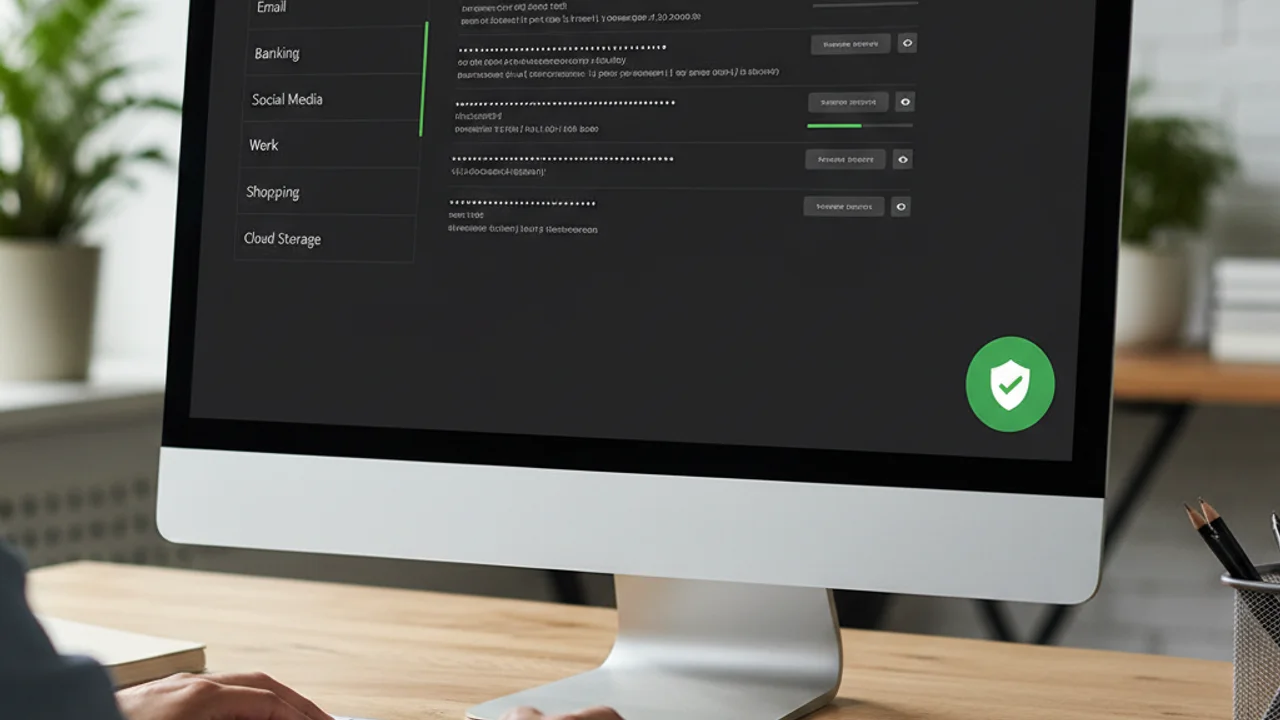
"Use a strong password." You have heard it a thousand times. Mix uppercase and lowercase, add a number and a special character, change it every 90 days. For decades, this was the standard security advice given to everyone from corporate employees to social media users. The problem? It does not work, and it never really did. People respond to complexity requirements by choosing predictable patterns: capitalizing the first letter, adding "1!" to the end, or cycling through the same base password with minor variations. Attackers know this, and their tools are built to exploit exactly these human tendencies.
In 2026, the password landscape has shifted fundamentally. Passkeys are replacing passwords on major platforms, AI-powered cracking tools have made brute force faster than ever, and massive credential databases from years of data breaches are freely traded on underground markets. The security strategies that actually protect you today look very different from the advice you grew up with. This guide covers what actually works.
Why Traditional Password Advice Is Broken
The complexity-focused password paradigm was designed for a world where attackers used simple brute force to try every possible combination. In that model, adding complexity increased the search space and made cracking harder. But modern attacks rarely work that way. The overwhelming majority of account compromises in 2026 come from credential stuffing, where stolen username-password pairs from one breach are automatically tested on thousands of other sites, and phishing, where users are tricked into entering their credentials on fake login pages.
Neither of these attacks is stopped by password complexity. A 20-character password with symbols and numbers is just as vulnerable to phishing as "password123" if the user types it into a convincing fake login page. And credential stuffing only requires that you reuse the same password across multiple sites, regardless of how complex it is. The real defensive priorities are uniqueness, length, and resistance to social engineering, which are fundamentally different from the complexity-focused rules of the past.
Password Managers: The Foundation of Modern Security
A password manager is the single most impactful security tool a consumer can adopt. It generates truly random, unique passwords for every account, stores them in an encrypted vault, and auto-fills them when you log in. This eliminates the two biggest password problems at once: reuse and weakness. You only need to remember one strong master password, and the manager handles everything else.
Modern password managers like 1Password, Bitwarden, and Dashlane work across all your devices, support biometric unlock on phones and laptops, and integrate directly with browsers for seamless auto-fill. Many also include features like breach monitoring, password strength auditing, and secure sharing for family accounts. Bitwarden offers a full-featured free tier, making cost a non-issue.
The most common objection, "what if the password manager gets hacked?", reflects a misunderstanding of how they work. Reputable managers use zero-knowledge encryption, meaning your vault is encrypted with your master password before it ever leaves your device. Even if the company's servers are breached, the attackers get only encrypted data they cannot decrypt. This architecture has been independently audited and is considered robust by the security community.
Received a suspicious password reset email? Verify it instantly with Truvizy before clicking any links.
Passkeys: The Password Replacement That Actually Works
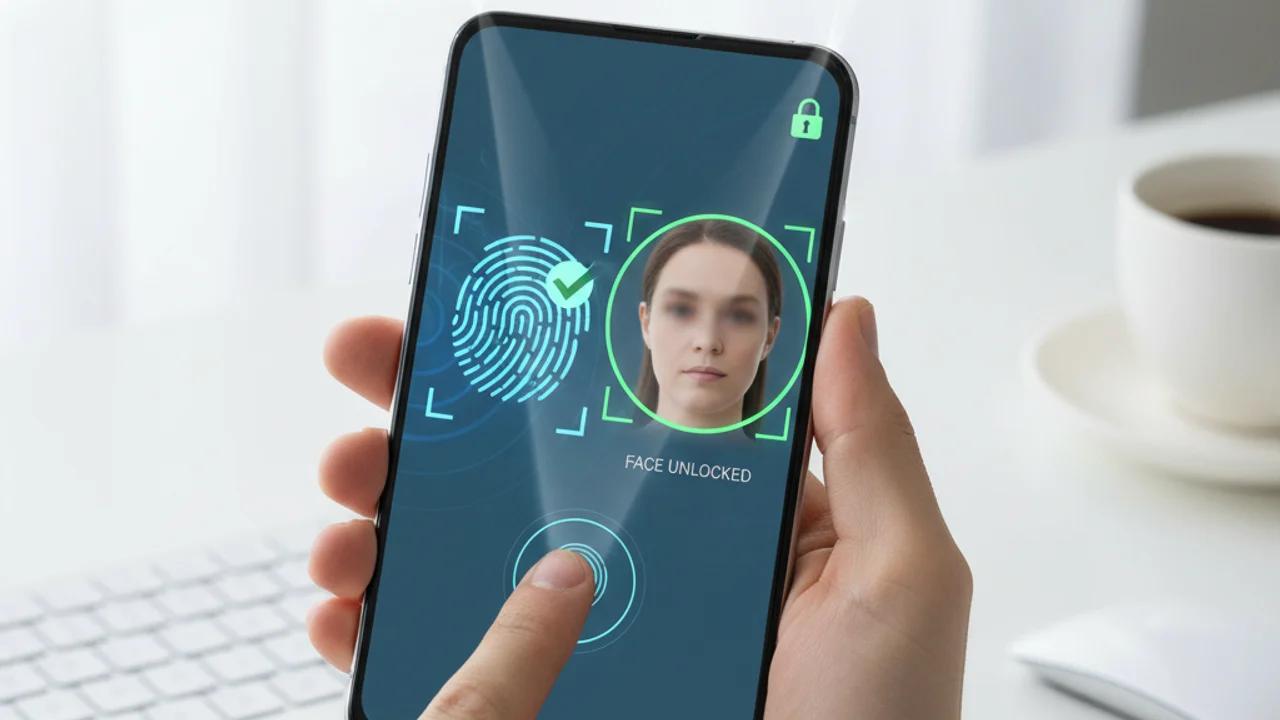
Passkeys represent the most significant shift in authentication technology since passwords were invented. Built on the FIDO2 standard, passkeys use public-key cryptography to authenticate you without ever transmitting a secret. When you create a passkey for a site, your device generates a unique key pair. The private key stays on your device, protected by biometrics or your device PIN. The public key is sent to the site. When you log in, your device proves it holds the private key without revealing it.
This architecture eliminates entire categories of attack. Passkeys cannot be phished because they are cryptographically bound to the legitimate site domain. They cannot be credential-stuffed because there is no shared secret to steal. They cannot be brute-forced because the private key never leaves your device. As of 2026, Google, Apple, Microsoft, Amazon, and hundreds of other major services support passkeys. If a service offers passkey authentication, enable it.
Creating Passwords That Are Actually Strong
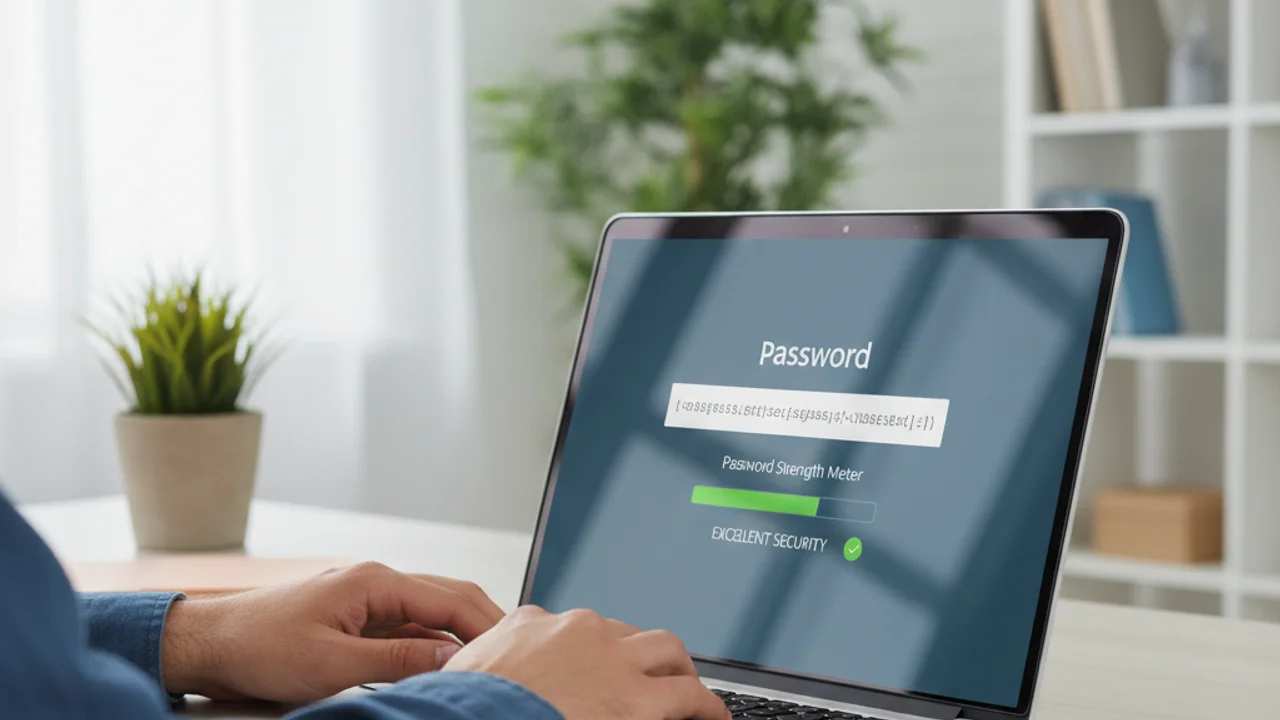
For accounts that do not yet support passkeys, password strength comes down to one dominant factor: length. A random 16-character password is effectively uncrackable by brute force with current and foreseeable computing power. NIST's latest guidelines explicitly recommend prioritizing length over complexity, reflecting decades of research showing that longer passwords with less complexity are both stronger and more usable than shorter passwords packed with special characters.
If you need a password you can actually type, the four-word passphrase method remains excellent. Choose four random, unrelated words and string them together: "umbrella-atlas- canteen-frost" is both strong and memorable. Avoid phrases from songs, movies, or literature, as these are included in cracking dictionaries. Better yet, let your password manager generate a random password and never think about it again.
Which password is the STRONGEST against modern attacks?
- P@ssw0rd!2026
- umbrella-atlas-canteen-frost
- MyDog$Name99!
- qwerty123456
Answer: A four-word random passphrase is both longer and more resistant to dictionary attacks than complex short passwords. Length beats complexity every time, and random word combinations are not found in cracking dictionaries.
Breach Monitoring: Knowing When You Are Exposed
Even the strongest password becomes a liability the moment the site storing it gets breached. Breach monitoring services alert you when your email address or credentials appear in a known data breach. The free service Have I Been Pwned, created by security researcher Troy Hunt, covers billions of breached records and allows you to check your email and set up alerts. Most password managers also include built-in breach monitoring that automatically flags compromised credentials.
When you receive a breach notification, act immediately. Change the compromised password and any other account where you used the same credentials. If the breached account contained sensitive personal information, consider placing a fraud alert on your credit file and monitoring your accounts for suspicious activity. For a comprehensive response plan, see our guide on reporting and responding to online scams .
Layering With Two-Factor Authentication
Passwords, even strong unique ones managed by a password manager, should always be layered with two-factor authentication . A password is something you know. Two-factor authentication adds something you have, typically your phone. Even if an attacker obtains your password through a breach or phishing attack, they still cannot access your account without the second factor.
The hierarchy of second factors, from strongest to weakest, is: hardware security keys, passkeys, authenticator apps, and SMS codes. Any second factor is dramatically better than no second factor. If the choice is between SMS-based 2FA and no 2FA at all, enable SMS without hesitation. Upgrade to an authenticator app or hardware key when you are comfortable, but do not let perfect be the enemy of good.
Common Password Mistakes People Still Make
Despite widespread awareness campaigns, several dangerous practices remain common. Storing passwords in browser autofill without a master password leaves them accessible to anyone with physical access to your device. Writing passwords on sticky notes near your computer is an obvious risk, but so is keeping them in an unencrypted notes app on your phone. Sharing passwords via text message or email creates permanent copies in systems you do not control.
Another persistent mistake is using personal information in passwords. Pet names, birthdays, anniversaries, and street addresses are all easily discoverable through social media and public records. Scammers who use social engineering techniques specifically look for this kind of information to guess passwords and security questions. If any of your passwords contain personal details, replace them now.
Your Password Security Action Plan
Here is your concrete action plan, ranked by impact. First, install a password manager and migrate your most critical accounts: email, banking, and social media. Second, enable passkeys on every service that supports them. Third, turn on two-factor authentication for all remaining accounts. Fourth, check Have I Been Pwned for breach exposure and change any compromised passwords. Fifth, audit your saved passwords for reuse and replace any duplicates with unique generated passwords.
Key Takeaways
- Use a password manager to generate unique passwords, it is the single most impactful security step.
- Enable passkeys wherever available, they eliminate phishing and credential stuffing entirely.
- Layer every account with two-factor authentication, even SMS-based 2FA is vastly better than none.
- Length beats complexity: a 16+ character random password or 4-word passphrase is effectively uncrackable.
This entire process can be completed in a single afternoon, and it dramatically reduces your attack surface. For ongoing protection, combine strong authentication with tools that help you spot scams before they reach your accounts. Truvizy's scanning platform helps you verify suspicious content, while premium plans provide continuous protection with advanced detection capabilities. Password security is one layer of defense, but the strongest posture combines authentication, detection, and awareness into an integrated strategy.
Combine strong passwords with AI-powered scam detection for complete online protection.
Related reading: Phishing Email Detection Guide: Spot phishing attacks that try to steal your credentials
Related reading: How to Spot Deepfake Videos: Detect AI-generated video manipulation
Related reading: Identity Theft Prevention: 15 steps to protect your personal information
Frequently Asked Questions
Are passkeys safer than passwords?
Yes. Passkeys use public-key cryptography and are stored on your device, making them immune to phishing, credential stuffing, and database breaches. They cannot be guessed, reused, or intercepted in transit. Where available, passkeys are the most secure login method for consumers.
Do I really need a different password for every account?
Absolutely. When one service suffers a data breach, attackers immediately test those credentials on other platforms. Using the same password across accounts means a single breach compromises everything. A password manager makes unique passwords effortless to maintain.
Which password manager should I use?
Reputable options include 1Password, Bitwarden, and Dashlane. All use strong encryption and have been independently audited. Bitwarden offers a robust free tier. The best password manager is the one you will actually use consistently.
How often should I change my passwords?
The old advice to change passwords every 90 days has been retired by most security experts, including NIST. Change a password immediately if the account or service has been breached, or if you suspect unauthorized access. Otherwise, a strong unique password does not need regular rotation.
What makes a password truly strong in 2026?
Length is the most important factor. A random 16-plus character password or a four-word passphrase is effectively uncrackable by brute force. Complexity rules (special characters, mixed case) add minimal security compared to length. Use a password manager to generate and store truly random passwords.