Best Free Scam Detection Tools in 2026 (And Why Truvizy Leads)
A comprehensive comparison of the best free scam detection tools available in 2026, including Truvizy, reverse image search, metadata analyzers, and more. Find out which tools offer the most protection at no cost.
· By Truvizy Research Team · 8 min read
TL;DR
Several free tools can help detect scams, from reverse image search to browser extensions, but most address only one dimension of the problem. Truvizy stands out by offering multi-layer AI-powered analysis including visual, audio, metadata, and behavioral signals in a single free scan, making it the most comprehensive free detection tool available.

You do not need to spend money to start protecting yourself from online scams. A growing ecosystem of free tools can help you verify suspicious content, check URLs for known threats, analyze file metadata, and detect manipulated media. The challenge is knowing which tools are worth using, what each one actually does, and how to combine them into an effective defense.
This guide reviews the best free scam detection tools available in 2026 across every major category: reverse search, metadata analysis, URL checking, browser protection, email security, and comprehensive AI-powered detection. We evaluate each tool honestly, noting both strengths and limitations, so you can build a toolkit that matches your needs and risk profile.
The Free Scam Detection Tool Landscape in 2026
The availability of free scam detection tools has improved significantly over the past two years, driven by growing awareness of online threats and competition among security platforms for user attention. However, most free tools address only one dimension of the scam problem. A reverse image search can find the original source of a photo but cannot detect a deepfake. A URL checker can flag known malicious domains but cannot analyze the content they host. A metadata viewer can reveal file inconsistencies but cannot assess whether the media itself has been manipulated.
This fragmentation means that effective free protection currently requires using multiple tools together, each covering a different angle. The exception, which we will discuss in detail, is platforms that offer comprehensive multi-layer analysis within a single free tier. Understanding what each category of tool does well helps you assemble the most effective combination.
Reverse Image Search Tools
Reverse image search is one of the oldest and most accessible verification techniques. Google Images, TinEye, and Yandex Images all allow you to upload an image or provide a URL and find where that image has appeared online before. This is invaluable for detecting out-of-context content, where a real photo from one event is presented as evidence of something entirely different.
The limitations are significant, though. Reverse search works on still images, not video. It finds copies and visually similar images but cannot detect whether an image has been manipulated by AI. It relies on the original version being indexed by search engines, which newly generated content will not be. And it requires manual effort: you need to screenshot relevant frames, upload them, and interpret the results. For a complete walkthrough of using reverse search as part of a verification workflow, see our video verification guide .
Metadata Analysis Tools
Tools like Jeffrey's Exif Viewer, ExifTool, and MediaInfo allow you to inspect the metadata embedded in image and video files. This metadata can include camera model, recording date, GPS coordinates, software used for editing, and compression history. Inconsistencies in metadata, such as a claimed smartphone photo with no EXIF data or a file creation date that does not match the claimed event, are useful indicators of manipulation.
The limitation is that metadata analysis is only one signal. Many legitimate platforms strip metadata from uploaded content for privacy reasons, so the absence of metadata does not prove manipulation. Additionally, metadata can be fabricated or altered. These tools are most useful when combined with other verification methods rather than relied upon in isolation.
URL and Domain Reputation Checkers
Before clicking a suspicious link, URL reputation tools can tell you whether the domain has been flagged for malicious activity. Google Safe Browsing, VirusTotal, and URLVoid aggregate data from multiple security databases to assess whether a URL is associated with phishing, malware distribution, or known scam operations. These tools are free and can be checked in seconds.
The main limitation is that they rely on known threats. A brand-new scam domain that has not yet been reported will not appear in any reputation database. Scammers frequently rotate through disposable domains, registering new ones faster than they can be flagged. URL checkers are an excellent supplement to other verification methods but should not be your only line of defense against suspicious links.
Browser-Based Protection Extensions
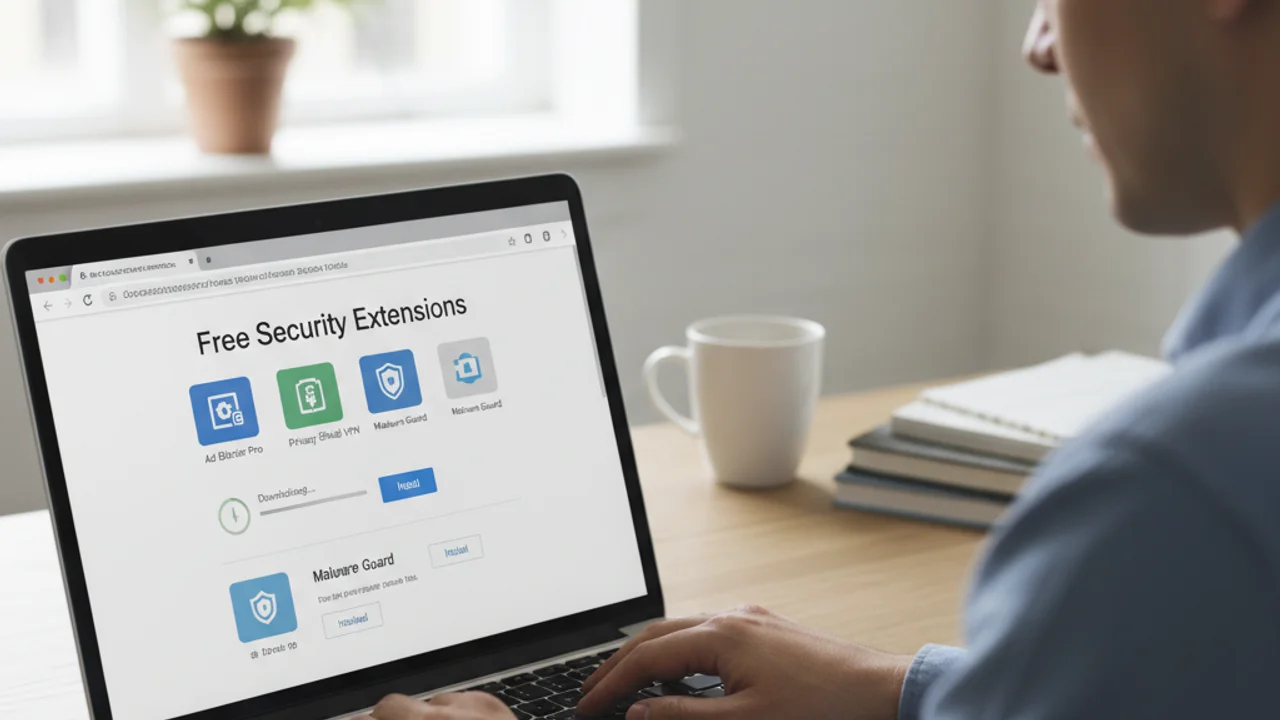
Several browser extensions provide passive protection by flagging known scam sites, blocking malicious pop-ups, and warning about phishing attempts as you browse. Extensions like uBlock Origin (ad and malware blocking), Netcraft Anti-Phishing, and Web of Trust (WOT) provide varying levels of browser-based protection at no cost.
These extensions are valuable because they work automatically in the background, catching threats you might not think to manually verify. However, they are primarily reactive, blocking known threats rather than analyzing new content. They cannot detect deepfakes, evaluate video authenticity, or assess whether the content you are watching has been manipulated. For active scanning capabilities in your browser, the upcoming Truvizy Chrome Extension adds real-time scam detection directly to your browsing experience.
Email and Phishing Detection Tools
Gmail and Outlook both include built-in phishing detection that filters obvious scam emails. Beyond the built-in filters, free tools like PhishTank maintain community-sourced databases of known phishing URLs. The Anti-Phishing Working Group (APWG) provides reporting mechanisms that contribute to industry-wide phishing intelligence.
For most users, the built-in email filters catch the majority of mass phishing campaigns. Where they fall short is with targeted spear phishing, where the attacker has researched you specifically and crafted a message that bypasses generic filters. Recognizing social engineering tactics in email remains essential even with automated filtering in place.
Why juggle 6 different tools? Truvizy analyzes visual, audio, metadata, and behavioral signals in one free scan.
Truvizy: The Most Complete Free Option
Where most free tools address a single dimension of scam detection, Truvizy's free tier provides multi-layer AI-powered analysis that examines visual, audio, metadata, and behavioral signals simultaneously. The Quick Scan feature runs instantly and is unlimited, providing immediate screening for common scam patterns at no cost. Free users also receive a limited number of Deep Scans each month for comprehensive cloud-based AI analysis.
The platform supports scanning from all major platforms: YouTube, TikTok, Instagram, Facebook, X, and direct file uploads. The analysis returns a clear trust score with a detailed breakdown of what was detected, giving you not just a verdict but the reasoning behind it. No other free tool currently offers this breadth of analysis within a single interface. Try it now with the free scan tool .
For users who find the free tier valuable and want higher scan volumes, ad-free experience, or family sharing, Truvizy's paid plans provide expanded capabilities. But the free tier alone provides more comprehensive detection than most paid alternatives, making it the best starting point for anyone looking to improve their scam defenses without spending money. For a detailed look at the technology behind the detection, see our article on how Truvizy's AI-powered detection works .
What makes Truvizy's free tier different from other free scam detection tools?
- It only works on one platform
- It requires a paid subscription for any scan
- It analyzes visual, audio, metadata, and behavioral signals in a single scan
- It is limited to URL checking only
Answer: Most free tools address only one dimension of scam detection. Truvizy's free tier provides multi-layer AI analysis across all four signal dimensions simultaneously, making it the most comprehensive free option available.

Building Your Free Protection Toolkit
The optimal free toolkit combines passive and active protection. For passive defense, install a browser ad blocker (uBlock Origin) and ensure your email provider's phishing filters are active. For active verification, use Truvizy as your primary scanning tool for suspicious videos and images, supplement with reverse image search when you need to trace the origin of specific photos, and check unfamiliar URLs against reputation databases before clicking.
Key Takeaways
- Most free tools cover only one dimension, combine several or use a comprehensive platform like Truvizy.
- Truvizy Quick Scans are unlimited and free, covering visual, audio, metadata, and behavioral signals.
- Pair active scanning with passive tools like ad blockers and email phishing filters.
- A simple toolkit used consistently beats a sophisticated one that sits unused.
This combination covers the vast majority of scam scenarios a typical internet user encounters, all at zero cost. As your needs grow, whether due to increased scanning volume, the desire for family-wide protection, or professional requirements for forensic analysis, upgrading individual tools to paid tiers provides incremental improvement on an already solid foundation.
The most important step is not choosing the perfect set of tools. It is choosing any set of tools and actually using them. A simple toolkit used consistently provides far better protection than a sophisticated one that sits unused. Start with the basics, build the verification habit, and expand your toolkit as your awareness and needs evolve.
Start with the best free tool available, then upgrade when you need more. Your first scan takes 30 seconds.
Related reading: How to Verify Video Authenticity: Manual techniques to complement your AI scans
Related reading: AI Content Detection Guide: How AI-generated content is identified
Related reading: How Truvizy Detects Scams: Deep dive into multi-layer AI detection
Frequently Asked Questions
What is the best completely free scam detection tool?
Truvizy offers the most comprehensive free scam detection, combining multi-layer AI analysis with instant Quick Scans and a limited number of Deep Scans at no cost. No other free tool provides the same breadth of analysis across visual, audio, metadata, and behavioral signals in a single scan.
Can free tools really detect deepfakes?
Most free tools can detect older or lower-quality deepfakes, but sophisticated AI-generated content often requires the multi-signal analysis that only advanced platforms provide. Truvizy's free tier includes the full AI detection pipeline, making it one of the few free options effective against high-quality deepfakes.
Are browser extensions safe for scam detection?
Browser extensions from reputable developers with good security track records are generally safe. Look for extensions with transparent privacy policies, minimal permissions, regular updates, and positive reviews. Avoid extensions that request access to all your browsing data without a clear reason.
Do I need to pay for effective scam protection?
Free tools provide meaningful protection, especially for occasional use. Paid plans become valuable when you need higher scan volumes, advanced forensic features, family sharing, or ad-free experience. For most individuals, starting with free tools and upgrading as needed is the best approach.
How do I know if a scam detection tool is legitimate?
Check for a clear company identity, transparent privacy policy, positive reviews from reputable sources, and no requests for unnecessary personal information. Be wary of tools that require excessive permissions, have no online presence beyond their own site, or pressure you into paid upgrades.