AI Chatbot Scams: When Bots Pretend to Be Customer Support
Learn how scammers use AI chatbots to impersonate customer support, steal personal information, and trick people into paying for fake services. Includes detection tips and protection strategies.
· By Truvizy Research Team · 8 min read
TL;DR
AI chatbot scams exploit the growing familiarity people have with automated customer support. Scammers deploy sophisticated bots on fake websites, social media, and messaging platforms that impersonate real companies, collect personal data, and redirect victims to fraudulent payment pages. The key to protection is verifying that you are communicating through official channels and never sharing sensitive information with any chatbot.
You have a problem with your bank account. You search online for your bank's customer support and click what appears to be their help page. A friendly chat window pops up. You explain your issue, and the bot responds promptly, professionally, and with apparent knowledge of banking procedures. It asks you to verify your identity by providing your account number, date of birth, and the last four digits of your Social Security number. You comply, after all, this is your bank's support system. Except it is not. You have just handed your personal information to a scammer operating a fake chatbot designed to look exactly like your bank's official support.
Chatbot scams represent one of the most insidious applications of AI in fraud. They exploit the fact that people are increasingly accustomed to interacting with automated systems for customer support, banking, and commerce. The line between a legitimate chatbot and a fraudulent one has become nearly invisible, and the consequences of engaging with the wrong one can be severe.
The Rise of Chatbot Scams
The proliferation of legitimate chatbots has created the perfect conditions for chatbot fraud. An estimated 85% of customer service interactions now involve some form of automated chatbot, up from 50% in 2023. Consumers have been trained to interact with bots, share personal information with them, and trust them as extensions of the brands they represent. This trust is exactly what scammers exploit.
The technology required to build a convincing fake chatbot has become trivially accessible. Open-source language models, cheap cloud hosting, and readily available chat widget frameworks mean that a scammer can deploy a professional-looking support chatbot for less than $50 and an afternoon of setup work. The chatbot can be customized with a company's branding, trained on publicly available product information, and deployed on a convincing fake website within hours.
The financial impact is growing rapidly. Consumer reports of chatbot-related fraud increased by over 150% between 2024 and 2025. Average losses are significant because victims often share comprehensive personal and financial information, enabling identity theft and account takeover in addition to direct financial loss.
How Chatbot Scams Work
The attack typically begins with directing the victim to a fake support channel. This can happen through multiple vectors: search engine ads that appear above organic results for "Bank of America support," social media accounts that impersonate official company profiles, phishing emails that link to fake help pages, or SMS messages that include links to fraudulent chat portals.
Once the victim reaches the fake chat interface, the experience is designed to mirror a legitimate support interaction as closely as possible. The chatbot uses the company's logo, color scheme, and communication style. It greets the user professionally, asks about their issue, and provides plausible-sounding responses that demonstrate product knowledge.
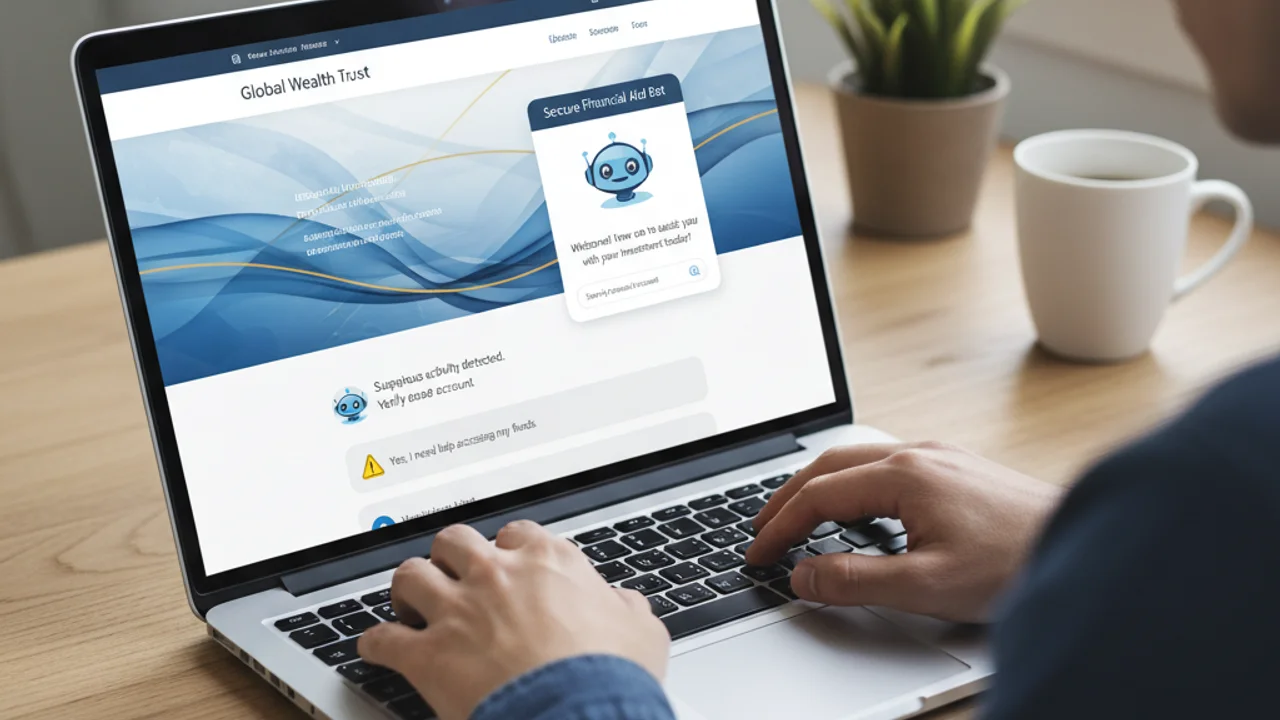
The data harvesting is woven naturally into the support flow. "To access your account, I need to verify your identity", a request that sounds perfectly reasonable in a legitimate support context. The chatbot progressively collects more sensitive information: account numbers, passwords, Social Security numbers, security question answers. Each request is framed as a necessary step in the support process.
More sophisticated chatbot scams go beyond data harvesting. Some redirect victims to fake payment pages to pay "fees" for account recovery, security upgrades, or service restorations. Others install malware by directing the victim to download a "security tool" or "verification app." Some even initiate real-time account takeovers, using the information the victim provides to log into their real account and transfer money while the chatbot keeps the victim occupied with a fake "processing" message.
Not sure if a website is legitimate? Scan it before sharing any personal information.
Common Chatbot Scam Types
Banking and financial support scams are the most financially damaging category. Fake chatbots impersonate banks, credit card companies, and payment platforms. They target people searching for help with account issues, disputed transactions, or security alerts. The information collected, login credentials, account numbers, security questions, enables direct account theft.
Tech support chatbot scams impersonate companies like Microsoft, Apple, or antivirus providers. The chatbot claims to detect a security issue and directs the victim to grant remote access to their computer or download diagnostic software that is actually malware. Once remote access is established, the scammer can steal files, install keyloggers, and access financial accounts. These scams overlap significantly with the robocall-based tech support scams we have covered previously.
E-commerce support scams target shoppers with fake Amazon, eBay, or retailer support chatbots. Victims seeking help with orders, returns, or refunds are directed to provide payment information for "refund processing" or to pay shipping fees for returns. Some scams create fake order tracking chatbots that collect personal information under the guise of providing delivery updates.
Government service chatbots impersonate agencies like the IRS, Social Security Administration, or immigration services. They collect sensitive personal information under the pretense of processing applications, verifying eligibility, or resolving compliance issues. These scams are particularly effective because people expect government interactions to require extensive personal information.
Subscription cancellation chatbots target people trying to cancel services. Fake chatbots claim to represent streaming services, gym memberships, or software subscriptions, and require "verification" payments or personal information to process the cancellation. The victim, already frustrated about the unwanted subscription, is psychologically primed to comply with requests to make the process end.
You search 'Bank of America customer support' and click the top result, which is a sponsored ad. A chatbot greets you and asks for your account number, full password, and last four of your Social Security number to 'verify your identity.' What should you do?
- Provide the information, it is the top search result so it must be legitimate
- Type in a fake password to test if it is a scam
- Close the page, go directly to bankofamerica.com, and contact support from there
- Ask the chatbot to prove it is legitimate before sharing anything
Answer: Never trust search ads for support links, always navigate directly to the official website. No legitimate chatbot asks for your full password. Bookmark your bank's website and always start support interactions from within your authenticated account.
Social Media Support Scams
A particularly effective variant operates on social media platforms. When users post complaints about a company, a failed delivery, a billing error, an account issue, scam accounts monitoring those posts immediately respond, posing as the company's official support team. The response includes a link to a fake support chat or a direct message invitation.
These attacks exploit a moment of frustration. The victim is already upset, looking for help, and grateful when someone reaches out. The fake support account often looks convincing, same profile picture, similar handle (with a subtle difference like an extra underscore or different capitalization), and professional language. The victim, relieved that someone is helping, follows the scammer's instructions without the scrutiny they would apply in a calmer moment.
Some operations monitor support hashtags and brand mentions in real time, responding to complaints within minutes, often faster than the real company's support team. This speed advantage means victims frequently interact with the scam account before the legitimate company can respond, and by then the damage may already be done.
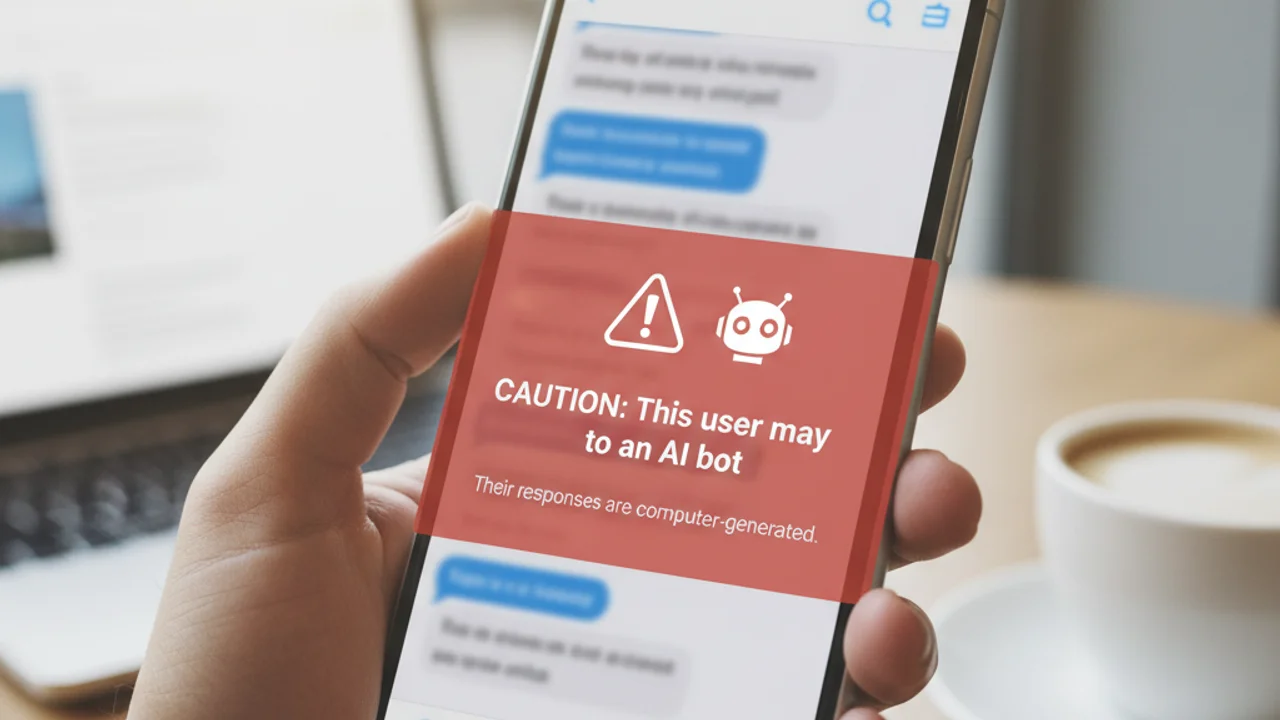
Detecting Fake Chatbots
Verify the URL first. Before engaging with any chatbot, check the website address carefully. Look for subtle misspellings, extra words, or unusual domain extensions. The difference between bankofamerica.com and bankofamerica-support.com could be the difference between security and fraud. Bookmark your bank's actual website and always navigate there directly rather than through search results or links.
Check for security indicators. Legitimate company websites use HTTPS with valid security certificates. While scam sites also use HTTPS, clicking the lock icon in your browser and examining the certificate can reveal if it was issued to a suspicious entity.
Evaluate what is being requested. Legitimate support chatbots typically verify identity through limited information, a case number, an email address, or the last four digits of an account number. Requests for full passwords, complete Social Security numbers, or one-time verification codes are red flags. No legitimate company asks for your complete password through any channel, including chat.
Test the chatbot's boundaries. Ask off-topic questions or make unusual requests. Legitimate enterprise chatbots have specific capabilities and will transparently redirect to human agents for issues outside their scope. Scam chatbots may attempt to answer anything to keep the victim engaged, or may aggressively redirect toward the data collection flow regardless of what is asked.
For verifying suspicious digital content of all kinds, Truvizy's scanning tools can help you analyze links and websites before you share any personal information.
Protecting Yourself
Always initiate support through official channels. Do not search for support numbers or chat links, go directly to the company's official website or app. Use bookmarks for banking and financial sites. Find the support section within the authenticated area of your account rather than from the public-facing website.
Never share sensitive credentials through chat. Make it a personal policy: full passwords, Social Security numbers, and complete financial account numbers are never entered into a chat window, regardless of who is asking. If support genuinely needs to verify your identity, they can do so through limited information or through the secure login process of their official platform.
Be skeptical of unsolicited outreach. Real companies rarely initiate support through social media DMs or unsolicited messages. If someone reaches out claiming to be from a company's support team, verify by contacting the company through their official website independently.
Use two-factor authentication everywhere. Even if a scam chatbot captures your login credentials, two-factor authentication can prevent account access. Use an authenticator app rather than SMS-based verification, as SMS codes can also be socially engineered through chat interactions.
Protect yourself from sophisticated AI fraud with advanced detection tools.
As covered in our analysis of how AI is making scams more dangerous, the quality gap between legitimate and fraudulent AI interactions is shrinking rapidly.
Key Takeaways
- Always navigate directly to official websites, never trust search ads or social media links for customer support.
- No legitimate chatbot will ever ask for your full password, complete SSN, or one-time verification codes.
- Scam chatbots on social media often respond faster than real company support, speed is not proof of legitimacy.
- Use two-factor authentication via an authenticator app to protect accounts even if credentials are compromised.
The Bigger Picture
Chatbot scams are symptomatic of a broader challenge: as AI makes automated interactions more natural and ubiquitous, the distinction between trusted and untrusted automated systems becomes harder to maintain. We are entering a world where the convenience of AI-powered services creates new attack surfaces that did not exist before.
The solution is not to avoid chatbots, they provide genuine value when deployed by legitimate organizations. The solution is to develop the habits and tools that allow you to verify who you are really talking to before sharing sensitive information. This means always navigating to official websites directly, being cautious about any request for sensitive data regardless of how professional the interaction feels, and using AI-powered verification tools to detect fraud when your own judgment is uncertain.
Truvizy's protection plans are designed for exactly this kind of threat, leveraging advanced AI analysis to help you determine whether digital interactions, content, and communications are legitimate before you commit to sharing personal information. In a world where bots impersonate the companies you trust, having an AI that works for you rather than against you is no longer a convenience, it is a critical layer of personal security. As our guide on smishing text scams also emphasizes, the common thread across all modern scams is that verification through independent channels is your most reliable defense.
Related reading: How to Spot a Deepfake Video: Visual cues and detection methods for synthetic video content
Related reading: How to Tell If Content Was Made by AI: Practical guide to identifying AI-generated text, images, and video
Related reading: How Truvizy Detects Scams: The multi-layer AI technology behind fraud detection
Frequently Asked Questions
How can I tell if I am chatting with a scam bot or real customer support?
Verify you are on the company's official website or app before engaging with any chat support. Check the URL carefully for misspellings or unusual domains. Real customer support chatbots will never ask for your full password, Social Security number, or complete credit card number through chat.
Can AI chatbots convincingly impersonate real companies?
Yes. Modern AI chatbots can perfectly mimic a company's communication style, use their branding language, and respond to product-specific questions accurately. The conversation quality alone is not a reliable way to distinguish legitimate from fraudulent support.
What information should I never give a chatbot?
Never provide your full password, Social Security number, complete credit card number, bank account details, one-time verification codes, or remote access to your computer through any chatbot interaction. Legitimate companies do not request these through chat.
Are chatbot scams only found on fake websites?
No. Scam chatbots also operate on social media platforms (responding to public complaints), messaging apps (WhatsApp, Telegram), search engine ads that lead to fake support pages, and even through email with embedded chat widgets.
What should I do if I shared information with a scam chatbot?
Change passwords for any accounts you discussed. Contact your bank if you shared financial information. Enable two-factor authentication on all accounts. Monitor your credit report. Report the scam to the FTC and the company that was impersonated.