Two-Factor Authentication පැහැදිලි කිරීම: Account Takeover ට එරෙහිව ශ්රේෂ්ඨ ආරක්ෂාව
Two-factor authentication (2FA) ගැන ඔබ දැනගත යුතු සියල්ල: ක්රියා කරන ආකාරය, වඩාත් ආරක්ෂිත ක්රම, setup කිරීම, account takeover ට එරෙහිව effective protection.
· Truvizy Research Team · 8 min read
TL;DR
Two-factor authentication (2FA) password ෙකන් ඔබ්බට second verification step ඉල්ලීමෙන් automated account takeover attacks 99% ට වැඩි ප්රමාණයක් block කරයි. Authenticator apps සහ hardware keys ශ්රේෂ්ඨ options ය. Email සහ banking ෙකන් ආරම්භ කර offer කරන සෑම account ෙකහිදීම enable කරන්න.
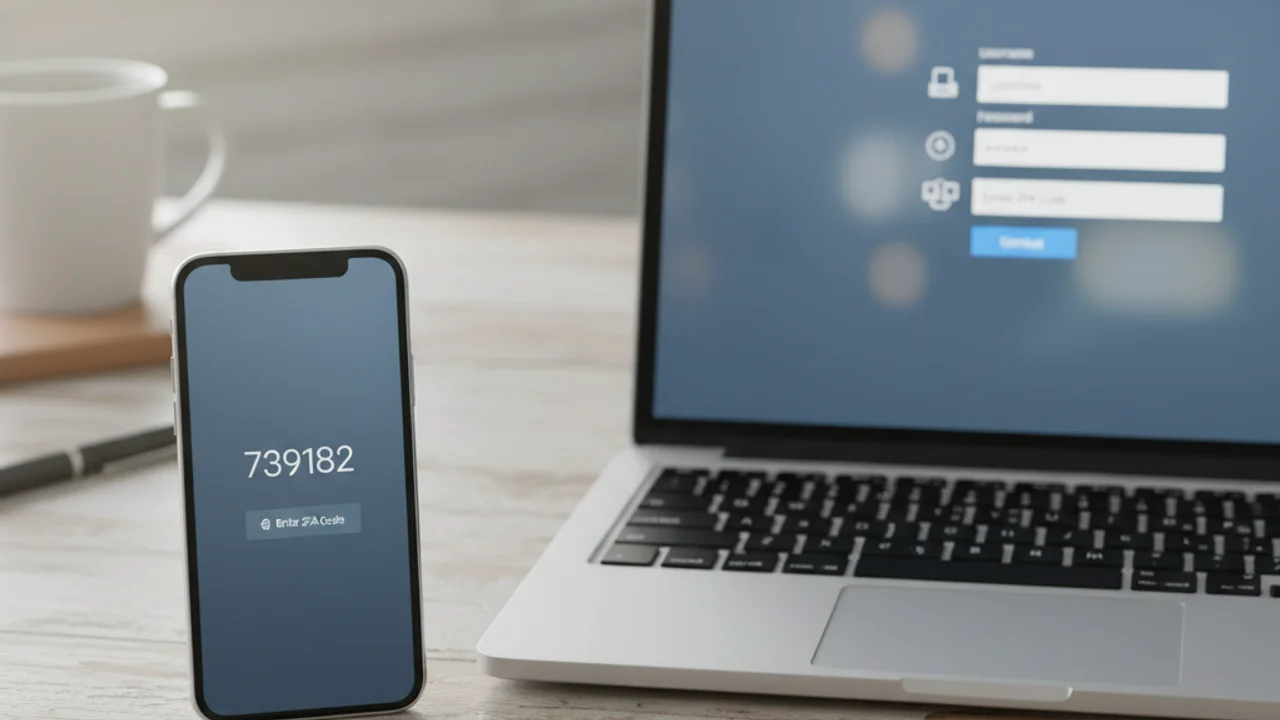
2025 ෙකහිදී, Google ෙකන් 2FA enabled accounts ෙකහිදී passwords alone ෙකන් rely කරන ඒවාට සාපේක්ෂව compromised වීමේ ඉඩකඩ 99.9% අඩු බව report කළේ ය. නමුත් adoption rates surprisingly low ව පවතී. Industry surveys 30% ෙකට අඩු consumers ෙකන් important accounts ෙකහිදී 2FA enable කළ ඇති බව පෙන්නුම් කරයි.
Two-Factor Authentication යනු කුමක්ද, ඇයි වැදගත්
Authentication factors categories තුනකට ඇදේ: ඔබ දන්නා දෙය (password හෝ PIN), ඔබ සතු දෙය (phone, hardware key), ඔබ ෙකේ දෙය (fingerprint හෝ face scan). Traditional login first factor ෙකක් පමණක් use කරයි. Two-factor authentication different factors දෙකක් ඉල්ලයි.
2FA ෙහිදී value defense in depth ෙකහිදී ඇත. Attacker ෙකකු data breach, phishing attack, හෝ social engineering manipulation හරහා password steal කළ ද, second factor නොමැතිව account ෙකහිදී access ලබා ගැනීමට නොහැකිය.
Two-Factor Authentication ක්රියා කරන ආකාරය
Basic flow simple ය. Username සහ password enter කරයි. Service second verification prompt කරයි, authenticator app ෙකන් six-digit code, text message with one-time code, hardware security key tap, හෝ phone ෙකහිදී biometric confirmation. Factors දෙකම provide කළ විට login ලැබේ. බොහෝ services trusted devices mark කිරීමට allow කරයි.
2FA ෙහිදී Types: SMS සිට Hardware Keys දක්වා
SMS codes ෙකහිදී 2FA ෙහිදී widely available form ය. SIM swapping ෙකහිදී vulnerable ය, attacker ෙකකු carrier ෙකහිදී ඔබේ number transfer කිරීමට convince කළ හොත් codes intercept කළ හැකිය.
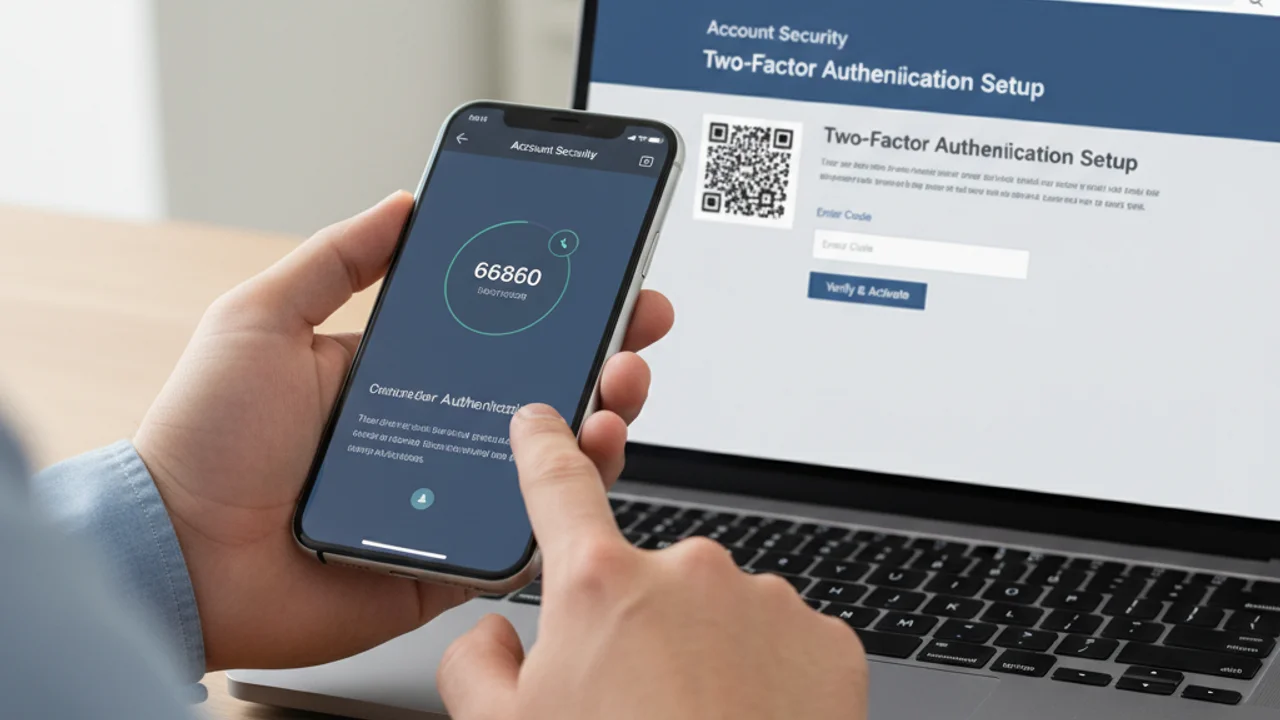
Google Authenticator, Authy, Microsoft Authenticator ෙහිදී authenticator apps ෙකහිදී device ෙකහිදීම locally time-based one-time passwords generate කරයි. Cellular network ෙකන් transmit නොකෙරෙන නිසා SIM swapping ට immune ය.
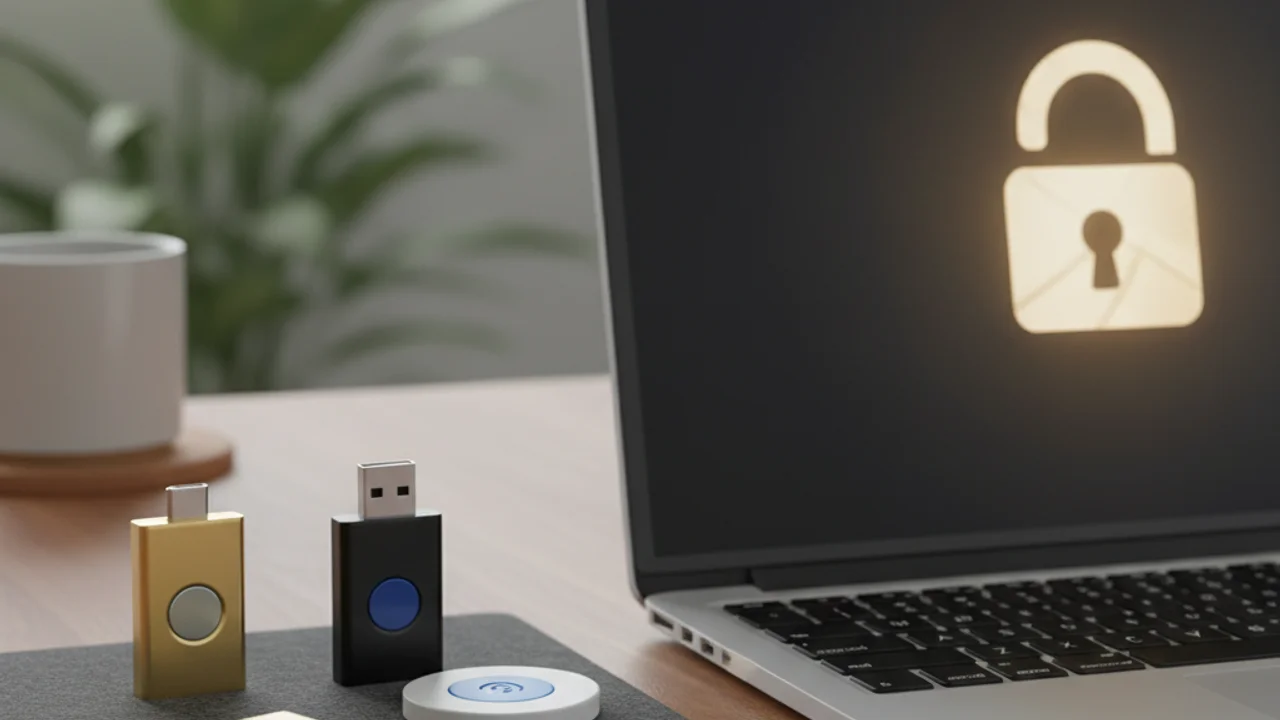
YubiKey සහ Google Titan ෙහිදී hardware security keys USB port ෙකහිදී plug in හෝ NFC via tap කරන physical devices ය. Phishing, SIM swapping, real-time interception ෙකහිදී immune ය. Passkeys ෙකහිදී hardware-key-level security biometrics ෙකන් ලැබෙන නිසා ශ්රේෂ්ඨ balance ය. 2026 ෙහිදී password security ගැන guide ද කියවන්න.
Important Accounts ෙකහිදී 2FA Setup කිරීම
Gmail ෙකහිදී Google Account settings ෙකහිදී ගොස්, Security select කරන්න, 2-Step Verification select කරන්න, setup wizard follow කරන්න. Microsoft accounts ෙකහිදී account.microsoft.com visit කරන්න. Social media ෙකහිදී each platform ෙකහිදී security settings ෙකහිදී 2FA enable කරන්න.
Request නොකළ suspicious 2FA prompts ලැබෙනවා ද? Password ඔබ ළඟ නොමැති ද, related messages Truvizy ෙකන් scan කරන්න.
Backup සහ Recovery: Worst ට Prepare කිරීම
Phone lose කළ හොත් locked out වීමේ fear people ෙකන් 2FA enable කිරීමෙන් prevent කරන number one concern ය. Account ෙකහිදී 2FA enable කළ විට service recovery codes offer කරනු ඇත, typically set of 8 සිට 10 single-use codes ය. Password manager ෙකහිදී save කරන්න.
Attackers 2FA Bypass කිරීමේ ක්රම
SIM swapping attacks SMS-based 2FA target කරයි. Real-time phishing proxies password සහ 2FA code simultaneously capture කරයි. Push notification fatigue attacks ෙකහිදී authenticator app bombardment ෙකන් accidentally approve කිරීමට attempt කෙරේ. Hardware keys සහ passkeys cryptographically domain verify කරන නිසා phishing proxies ineffective ය.
Known attack types සියල්ල ෙකහිදී STRONGEST protection ලබා දෙන 2FA method?
- SMS text message codes
- Authenticator app (Google Authenticator, Authy)
- Hardware security key හෝ passkey
- Email-based verification codes
Answer: Hardware security keys සහ passkeys cryptographically domain verify කරන නිසා phishing, SIM swapping, real-time interception ෙකහිදී resistant ය.
2FA ඉක්මවා: Complete Security Posture Build කිරීම
Two-factor authentication account takeover ෙකහිදී strongest single defense ය. Password manager ෙකන් unique credentials, breach monitoring, scam detection tools combine කරන්න. convincing fake video හෝ message ෙකන් voluntarily information reveal කිරීමෙන් account compromises ආරම්භ වේ.
Key Takeaways
- Email සහ banking ෙකන් ආරම්භ කර every account ෙකහිදී 2FA enable කරන්න, automated attacks 99.9% block කරයි.
- Authenticator apps SMS ට වඩා secure ය, නමුත් ඕනෑම 2FA ෙකක් none ෙකට vastly better ය.
- Lockout risk eliminate කිරීමට password manager ෙකහිදී recovery codes save කරන්න.
- Hardware keys සහ passkeys gold standard, phishing සහ SIM swapping ෙකහිදී immune.
Truvizy ෙහිදී scanning platform social engineering සහ impersonation attacks credentials compromise කිරීමට පෙර catch කිරීමට help කරයි. Truvizy ෙහිදී plans AI-powered scam detection proactive scanning capabilities combine කරයි.
Complete account protection ෙකහිදී 2FA AI-powered scam detection සමඟ layer කරන්න.
Phishing Email Detection Guide: ඔබ ළඟ ළඟා වීමට පෙර credential-stealing emails catch කරන්න
Identity Theft Prevention: ඔබේ personal information ආරක්ෂා කිරීමට steps 15 ක්
FAQ
2FA සහ MFA ෙහිදී difference කුමක්ද?
Two-factor authentication (2FA) exactly factors දෙකක් ඉල්ලයි, password plus phone code ෙකහිදී. Multi-factor authentication (MFA) factors දෙකක් හෝ ඊට වැඩි ය. Practice ෙකහිදී consumer implementations බොහොමයක් factors දෙකක් use කරයි.
SMS-based 2FA use කිරීම ආරක්ෂිත ද?
SMS 2FA 2FA නොමැති ද ට සාපේක්ෂව significantly safer ය. නමුත් SIM swapping attacks ෙහිදී vulnerable ය. High-value accounts ෙකහිදී authenticator apps හෝ hardware keys ශ්රේෂ්ඨ ආරක්ෂාව ලබා දෙයි.
Authenticator app සහිත phone lose කළ විට කුමක් සිදු වේද?
Authenticator apps backup සහ recovery options offer කරයි. 2FA setup කිරීමේදී password manager ෙකහිදී backup recovery codes save කරන්න. Authy ෙහිදී multi-device sync ද support කෙරේ.
Hackers ෙකන් two-factor authentication bypass කළ හැකිද?
Sophisticated attackers SMS-based 2FA ෙකහිදී SIM swapping හෝ real-time phishing proxies bypass කළ හැකිය. Hardware security keys සහ passkeys all known remote attack methods ට resistant ය.
2FA first enable කළ යුතු accounts?
Email account prioritize කරන්න (other passwords reset ෙකහිදී use කෙරේ), banking සහ financial accounts, social media accounts, sensitive personal information ඇති accounts. ඉන්පසු support කරන everything else ෙකහිදී.