How to Spot a Fake Online Store: 9 Warning Signs
Learn the 9 critical warning signs of fake online stores, how scammers create convincing shopping sites, and how to protect yourself from e-commerce fraud.
· By Truvizy Research Team · 8 min read
TL;DR
Fake online stores steal millions from shoppers each year using professional-looking websites, stolen product images, and too-good-to-be-true deals. Learning to recognize the nine key warning signs and verifying stores before purchasing can save you from financial loss and identity theft.
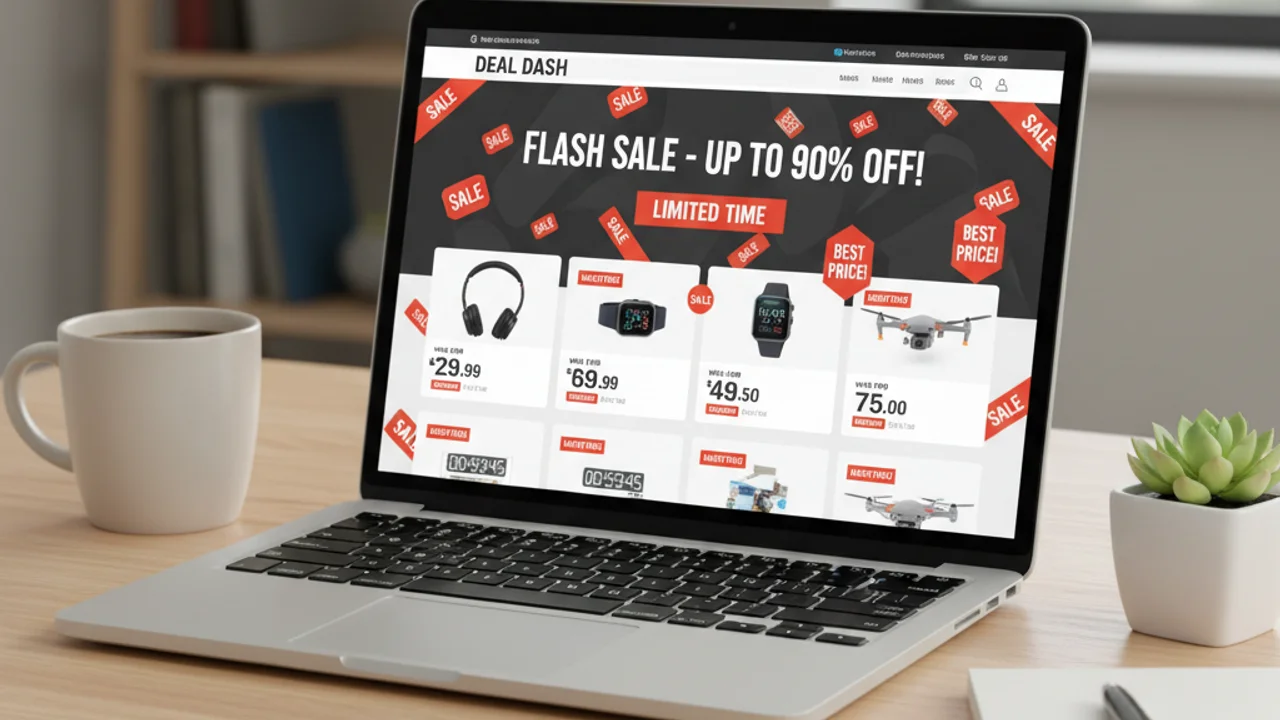
Online shopping has transformed how we buy everything from groceries to electronics, but it has also created fertile ground for scammers. Fake online stores, websites designed to look like legitimate retailers but built solely to steal your money and personal information, have become one of the most common forms of e-commerce fraud. These sites are increasingly sophisticated, often indistinguishable from real stores at first glance, and they collectively cost consumers billions each year.
The challenge is that creating a fake store has never been easier. Modern website builders, stolen product photos, and template-based design tools allow scammers to spin up a professional-looking storefront in hours. Many victims only realize they have been scammed weeks later when their order never arrives, their credit card shows unauthorized charges, or their personal information appears in a data breach. Learning to identify fake stores before you enter any personal or financial information is the most effective protection available.
Key Takeaways
- Fake stores use stolen images, fabricated reviews, and impossible discounts to lure shoppers.
- Always verify unfamiliar stores using WHOIS lookup, contact testing, and external reviews.
- A padlock icon (SSL) does NOT mean a store is legitimate, only that the connection is encrypted.
- Use credit cards (not debit) for online purchases to maintain chargeback protections.
- Report fake stores to the FTC and the platform where you found them.
The Rise of Fake Online Stores
The pandemic-era surge in online shopping permanently changed consumer behavior, and scammers adapted quickly. By 2026, cybersecurity firms track over 100,000 new fraudulent e-commerce domains each month. These are not crude operations with obvious spelling errors and broken layouts. Modern fake stores feature responsive design, professional product photography, functioning search and filter systems, and realistic checkout flows that capture payment details and personal information.
The rise of AI-generated content has made fake stores even more convincing. AI can generate unique product descriptions, fabricate customer reviews, and even create realistic product images that do not exist anywhere else on the internet, defeating reverse image search as a verification tool.
Think you've found a fake store? Scan the link before you buy.
9 Warning Signs of a Fake Online Store
Recognizing a fake store requires knowing what to look for. Here are nine critical warning signs that should make you pause before purchasing.
1. Prices that are too good to be true. If a store is selling brand-name products at 70-90% off retail, something is wrong. Legitimate retailers rarely offer discounts that extreme except on discontinued or clearance items.
2. No physical address or contact information. Legitimate businesses provide a physical address, phone number, and customer service email. Fake stores often have only a contact form, a generic email address, or contact details that lead nowhere when tested.
3. Recently registered domain. Check when the website domain was registered using WHOIS lookup tools. A store claiming years of business history but registered last month is a major red flag.
4. Poor or generic website policies. Examine the return policy, privacy policy, and terms of service. Fake stores often copy these from other sites, resulting in policies that reference the wrong company name or contain contradictory information.
5. Limited or suspicious payment options. Be cautious of stores that only accept wire transfers, cryptocurrency, or gift cards. Legitimate retailers accept major credit cards and established payment processors.
6. Missing or fake social media presence. Check whether the store has active social media accounts with genuine customer engagement. Fake stores often have accounts with purchased followers, no real interaction, and posts only a few weeks old.
7. Stolen or stock product images. Reverse image search the product photos. If they appear on dozens of other sites or are clearly stock photos, the store likely does not have the actual products. This is also a hallmark of dropshipping scams where products are vastly overpriced and low quality.
9. No customer reviews outside the site. Search for the store name along with "review" or "scam" on external search engines. A store with no external review history is suspicious, regardless of how many glowing reviews appear on its own site.
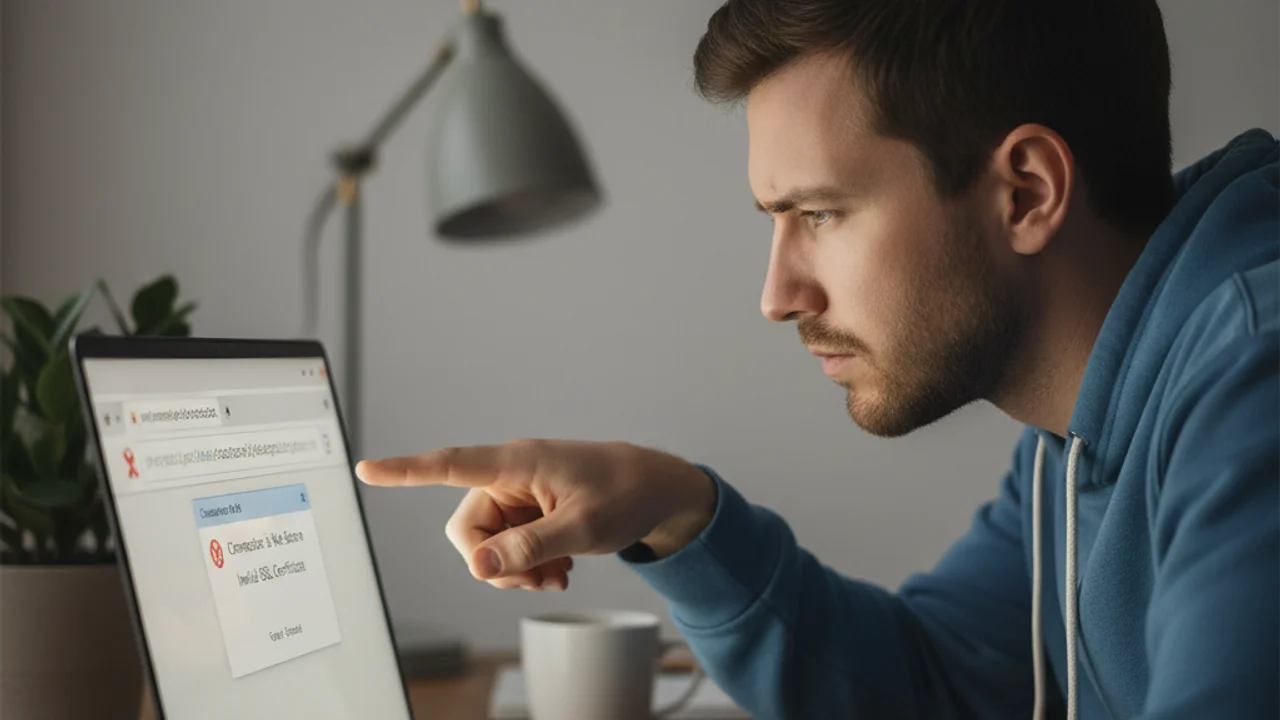
A store has a padlock icon (SSL certificate) in the browser. Does this mean it is safe to buy from?
- Yes, the padlock means the store is verified and safe
- Yes, but only if the padlock is green
- No, SSL certificates are free and scam stores use them too
- Only if the URL starts with https://
Answer: SSL certificates only encrypt the connection between your browser and the server. They do not verify the legitimacy of the business. Free SSL certificates make it trivial for scam stores to display the padlock icon.
Related reading: Amazon Scam Protection: How to spot fake sellers and counterfeit products on Amazon
How Scammers Build Convincing Fake Stores
Understanding the mechanics behind fake store creation helps explain why they are so convincing. Scammers typically start by identifying a product niche with high demand, such as luxury goods, trending electronics, or seasonal items. They then register a domain name that sounds plausible, often mimicking a well-known brand with a slight variation.
Some operations run dozens of fake stores simultaneously, rotating them to stay ahead of enforcement. By the time reports and chargebacks accumulate, the scammer has already moved on to a new domain and repeats the process.
Use Truvizy's free scanning tool to analyze suspicious websites and ads before you enter any personal or payment information. Our AI-powered analysis can detect patterns common to fraudulent stores that are invisible to the naked eye.
Stay one step ahead of scam stores with real-time AI protection.
Related reading: How Truvizy Detects Scams: Learn about the multi-layer AI analysis behind our scanning technology
Steps to Verify an Online Store
Before purchasing from an unfamiliar online store, run through this verification checklist:
- <strong>Search the store name + "scam" or "review"</strong> on your search engine. The absence of any results is itself a warning sign.
- <strong>Check domain registration</strong> using a WHOIS lookup service. Note the registration date and registrant country.
- <strong>Verify the physical address</strong> by searching it on Google Maps or Street View.
- <strong>Test the contact information.</strong> Call the phone number and send a customer service email.
- <strong>Examine the SSL certificate details</strong> by clicking the padlock icon in your browser.
Related reading: How to Detect Phishing Emails: Fake stores often use phishing emails to drive traffic, learn to spot them
What to Do If You Have Been Scammed
If you suspect you have purchased from a fake store, act immediately. Contact your bank or credit card company to dispute the charge and request a chargeback. The sooner you report the transaction, the better your chances of recovering funds.
Report the fake store to the FTC at reportfraud.ftc.gov, to the FBI's Internet Crime Complaint Center, and to the platform where you found the store. Your report helps authorities track fraud patterns and may help prevent others from being victimized.
Related reading: How to Report an Online Scam: Step-by-step guide to reporting scams to the right authorities
Building Safe Shopping Habits
The most effective defense against fake stores is developing consistent verification habits:
- Stick to <strong>well-known retailers</strong> for important purchases
- Invest a few minutes in verification before committing any personal information to a new store
- Use a <strong>credit card</strong> rather than a debit card for online purchases
- Consider a <strong>virtual credit card number</strong> for added protection
- Be especially cautious with <strong>social media advertisements</strong>
Browser extensions and AI-powered protection tools can provide real-time warnings when you navigate to known or suspected fraudulent sites.
Get continuous protection against fake stores and shopping scams.
Related reading: Free Scam Detection Tools: The best free tools to verify stores, links, and ads before you buy
Frequently Asked Questions
How common are fake online stores?
Extremely common. Security researchers identify tens of thousands of new fraudulent e-commerce sites each month. The barrier to creating a professional-looking fake store is very low, making this one of the most prevalent forms of online fraud.
Can fake stores appear in Google search results?
Yes. Scammers use search engine optimization and paid advertising to place fake stores prominently in search results. A high ranking does not guarantee legitimacy, so always verify stores independently before purchasing.
Are payment methods like PayPal safe on fake stores?
PayPal and credit cards offer some buyer protection, but prevention is better than recovery. Scammers may also create fake PayPal checkout pages to steal credentials, so always verify you are on the genuine payment processor site.
Can a store with an SSL certificate (padlock icon) still be fake?
Absolutely. SSL certificates are free and easy to obtain. The padlock icon only means the connection is encrypted, not that the store is legitimate. Many fake stores have valid SSL certificates.